.
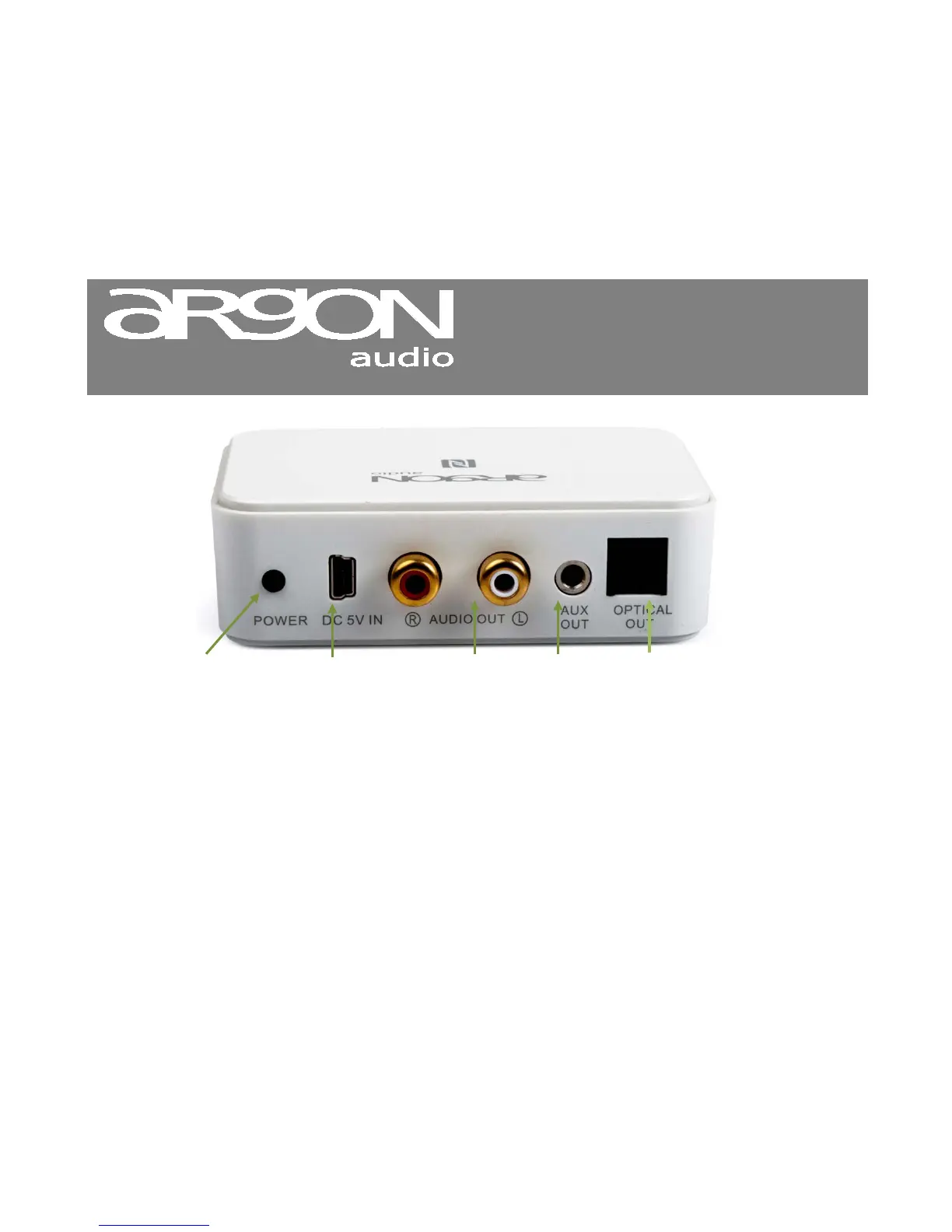
NOTICE: Argon Audio BT2 support only the high bit rate 24bit/192Khz on the optical output. If you do not get any sound
when connecting Argon Audio BT2 via Optical, then your Amplifier might not support 24bit/192khz. Consult your
Amplifier manual and/or connect the Argon Audio BT2 using either RCA or Mini Jack connection.
NOTICE: Some LapTops/PC does not default support Enhanced Data Rate on Bluetooth. If you cannot connect BT2 to
your LapTop/PC, you might need to go to your Laptop/PC manufactures support website and download a Bluetooth
package that will support Enhanced Data Rate for Bluetooth.
if your amplifier has digital
input, connect the BT2 via this
output. (Remember to remove
the small plastic protections on
the Digital cable)


 To Next Page