16
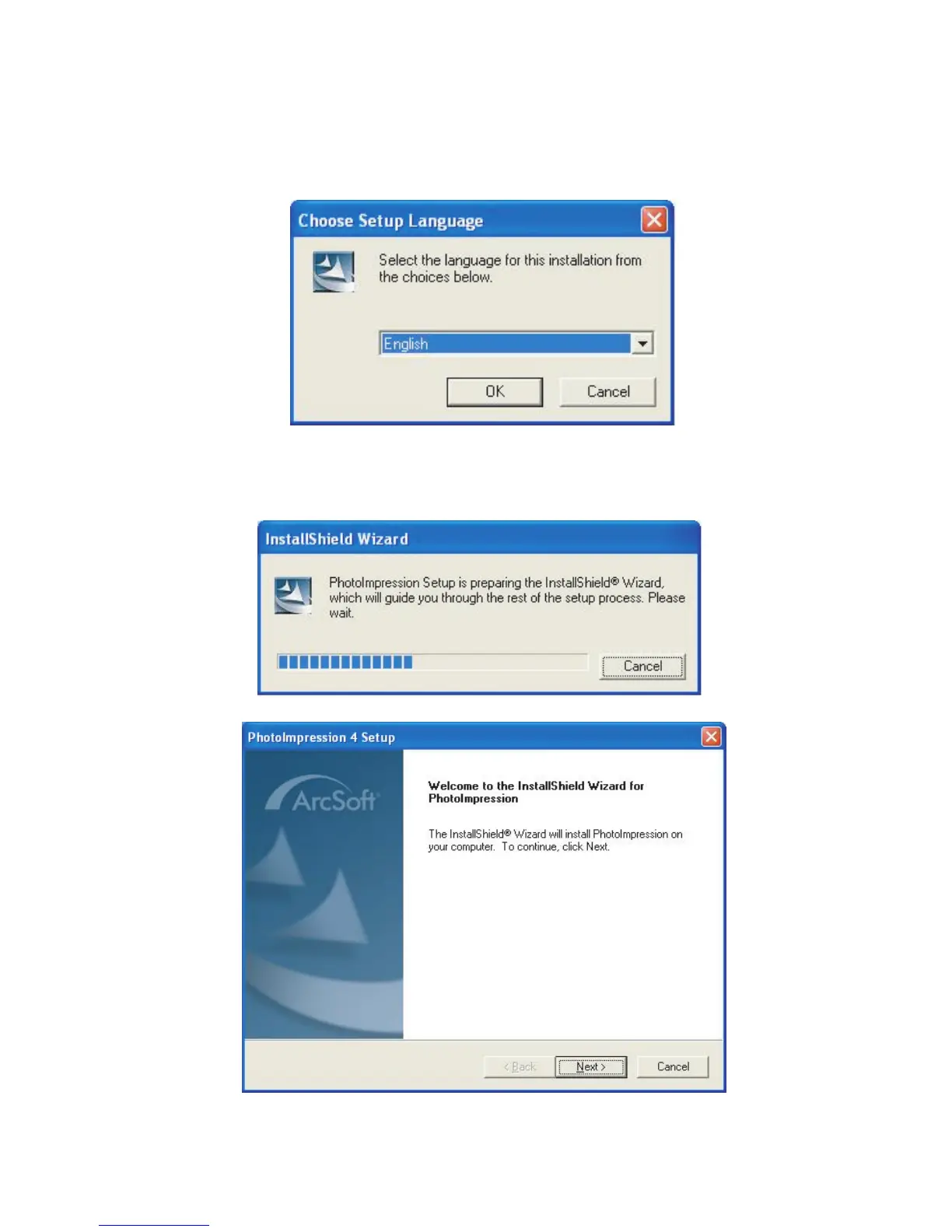
the software installation.
Software Installation
Click on the NEXT button to proceed to the
next step.
On the Main menu, click on Install Arcsoft
Photo Impression 4 and the Choose Setup
Languare screen will appear.
Click on the OK button to proceed with



 To Next Page