EasyManua.ls Logo

Ariens 911525 - User Manual

Ariens 911525
28 pages
Print Icon
To Next Page IconTo Next Page
Loading...
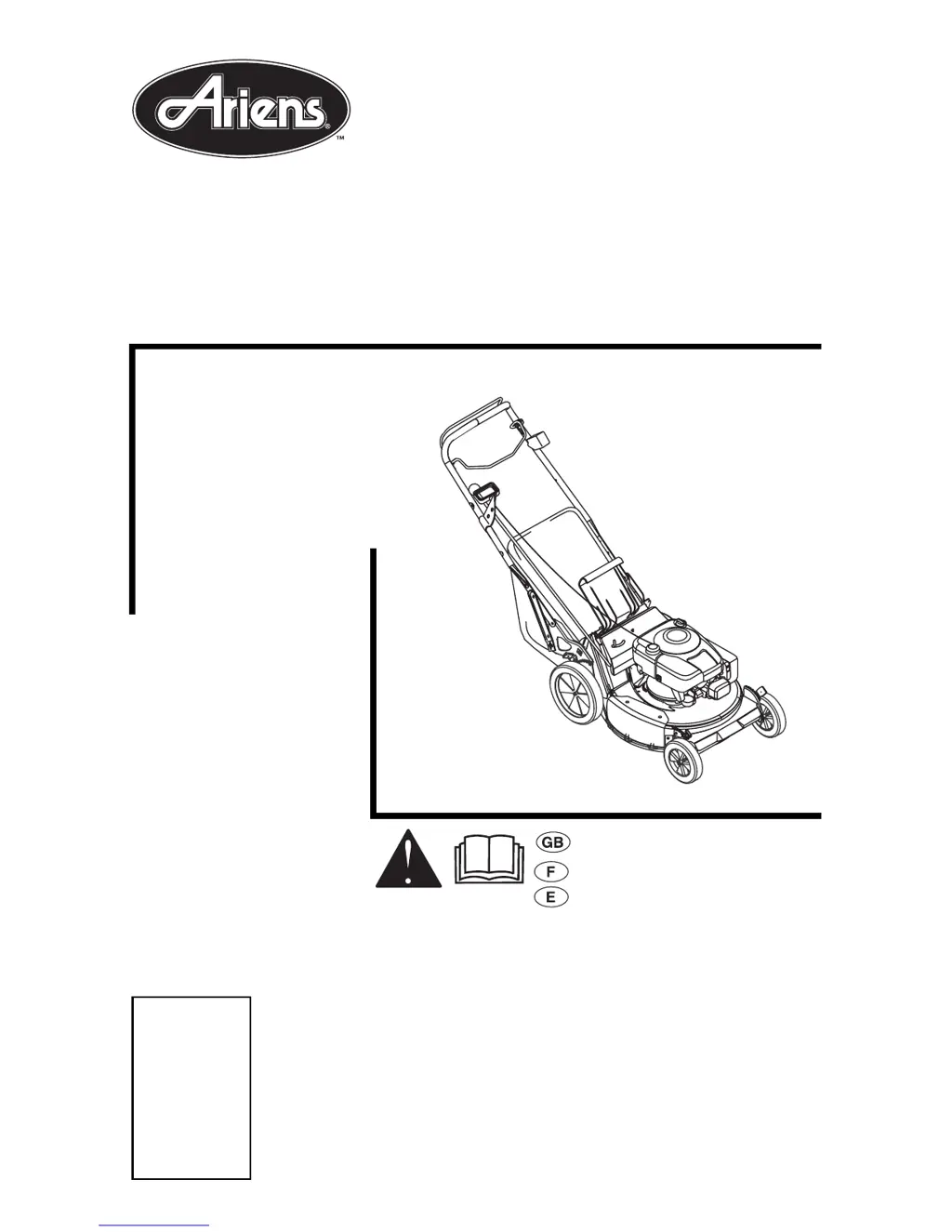
Owner/Operator Manual
Models
911513 - LM21
911514 - LM21S
911515 - LM21SE
911525 - LM21SW
911526 - LM21SC
Walk Behind Lawn Mower
01196300D 2/02
Supercedes 01196300,A,B,C
Printed in USA
ENGLISH
FRANÇAIS
ESPAÑOL
Transfer
model &
serial number
label from
product
registration
here.
Coller lautocollant du
modèle et du numéro de
série dans cet encadré.
Transferir aquí la etiqueta
del modelo y número de
serie del registro del
producto.

Other manuals for Ariens 911525

Questions and Answers

  • A
    Alicia BestAug 7, 2025
    Why won't my Ariens 911525 Lawn Mower engine start?
    • K
      Katherine NunezAug 7, 2025
      Your Ariens Lawn Mower engine might not start due to several reasons. It could be that the fuel tank is empty or low, so check the fuel level and fill the tank if needed. Another possible cause is a closed fuel shutoff valve; make sure it's open. Also, inspect the spark plug wire to ensure it's properly connected. The throttle control might not be in the correct position, so adjust it to the FAST position. Finally, the engine/blade control cable could be detached, broken, or improperly adjusted; check, adjust, repair, or replace it as necessary.
  • U
    underwoodkelseyAug 12, 2025
    What to do if my Ariens 911525 engine is hard to restart?
    • R
      Ryan WagnerAug 12, 2025
      If your Ariens Lawn Mower engine is difficult to restart, it might be due to the mower being clogged with grass. Clear the clippings from under the mower. To prevent this, allow the mower to clear clippings before shutting off the engine.
  • T
    tcombsAug 17, 2025
    Why does my Ariens 911525 Lawn Mower not disperse grass evenly?
    • H
      heatherdoughertyAug 17, 2025
      Uneven grass dispersal from your Ariens Lawn Mower can occur for a few reasons. If you're removing too much grass per cutting, try raising the cutting height. Also, if the grass is too wet, allow it to dry before mowing. Mowing too fast can also cause this issue, so try mowing slower.
  • A
    Amanda MyersAug 22, 2025
    Why isn't my Ariens Lawn Mower bagging clippings?
    • K
      Kristen HartmanAug 22, 2025
      If your Ariens Lawn Mower isn't bagging clippings, it could be that the grass bag is overfilled; empty the grass bag and avoid overfilling it. Another reason could be that the mulching plug is installed; remove the mulching plug to enable bagging.
  • S
    Stephen GloverAug 27, 2025
    What to do if the wheel drive doesn't engage on my Ariens Lawn Mower?
    • J
      Jeffrey HigginsAug 27, 2025
      If the wheel drive on your self-propelled Ariens Lawn Mower isn't engaging, there are several things to check. First, make sure the wheel drive control is engaged. Inspect the drive belt to ensure it's in the correct position. If the belt is worn or damaged, it will need to be replaced. Also, verify that the rear wheels are set at the same cutting height. Other potential issues include a detached idler spring, a detached or broken wheel drive control cable, a friction disc that is not adjusted properly or is damaged, damaged bearings or debris in the gear set. For assistance with the idler spring, friction disc, bearings, or gear set, contact your dealer.
  • L
    lisa59Sep 1, 2025
    How to improve a poor cut with my Ariens 911525 Lawn Mower?
    • G
      Geoffrey SmithSep 1, 2025
      If your Ariens Lawn Mower is providing a poor cut, consider these factors: the blade may be worn (refer to the CHECK MOWER BLADE section on page 17 for inspection instructions). Also, if you are removing too much grass per cutting, raise the cutting height. If the grass is too wet, allow it to dry before mowing. Finally, if your mowing speed is too fast, slow down.

Summary

Controls and Features

The Manual

Service and Replacement Parts

Information on ordering replacement parts and making service inquiries using model and serial numbers.

Safety

Safety Alerts

Explains safety symbols and signal words used in the manual and on decals.

Practices and Laws

Guidelines for safe working habits, understanding rules, and operator training.

Safety Decals and Locations

DANGER: Avoid Serious Injury or Death

Read manual, keep children away, avoid direct discharge, ensure guards are in place.

DANGER: Keep Hands and Feet Away

Do not operate mower without guards or bagger attached; keep hands and feet away.

CAUTION: Bag Safety

Check grass bag for wear and replace with original bag for safety compliance.

Assembly Safety Rules

Operational Safety Rules

Walk Around Inspection

Inspect the unit and work area for hazards and ensure all safety decals are visible.

Work Area Precautions

Clear debris, stay alert for hazards like holes and rough terrain, and keep bystanders away.

Safe Operation Procedures

Understand controls, know how to stop, and use safety devices correctly.

Personal Safety Guidelines

Operate only when alert, avoid substances, and keep body parts away from moving components.

Fuel Safety Rules

Fuel Handling Precautions

Guidelines for safe refueling, including avoiding ignition sources and proper container use.

Battery Safety Rules (Electric Start Models)

Battery Handling and Storage

Safety measures for handling batteries, including avoiding shock, explosive gases, and chemical burns.

Maintenance and Service Safety Rules

General Maintenance Safety

Rules for safe servicing, including stopping the engine, removing ignition source, and using guards.

Assembly

Assembly Steps

Provides step-by-step instructions for assembling the mower unit, including checks and fills.

Operation

Cutting Height Adjustment

Optional Controls

Filling Fuel Tank

Fueling Procedure

Safe steps for adding fuel to the tank, including cooling the engine and cleaning the area.

Mower Set-Up

Emergency Stopping

Emergency Stop Procedure

How to stop the mower immediately in an emergency situation.

Starting and Shut Off

Manual Starting Procedure

Step-by-step guide for starting the engine manually using the recoil starter.

Electric Starting Procedure

Instructions for starting the engine using the electric start system with a key.

Engine Shut-Off

Procedure for safely shutting down the engine and stopping all moving parts.

MAINTENANCE

Service and Adjustments

Battery Service (Electric Start Models)

Engine;Blade Control Adjustment

Drive Belt Replacement (Self-Propelled Models)

Wheel Drive Control Adjustment (Self-Propelled Models)

Troubleshooting

Limited Warranty Information

Ariens 911525 Specifications

General IconGeneral
Engine Power9 HP
Cutting Width21 in
Deck MaterialSteel
Weight125 lb
Drive SystemSelf-Propelled
Fuel Tank Capacity1 qt
Engine Type4-cycle OHV
Speed ControlYes
Cutting Height1.25 to 3.75 inches

Related product manuals