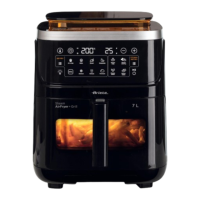
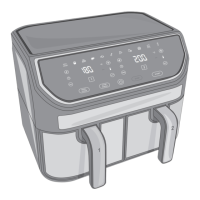
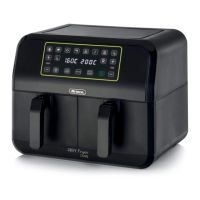
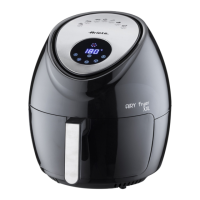
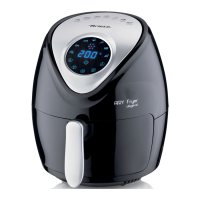
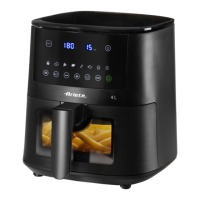
TOUCH SCREEN DISPLAY DESCRIPTION
(
FIG. 2
)
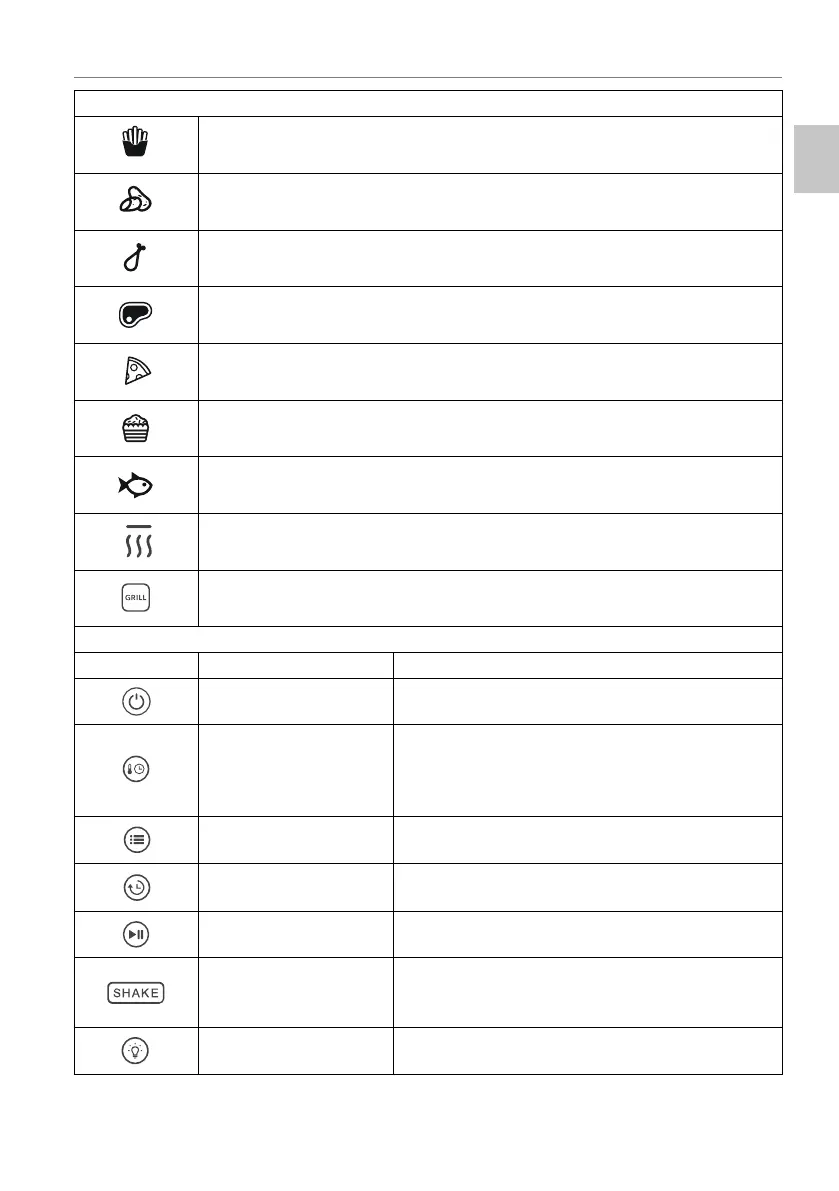
PRE-SET COO.ING PROGRAMS
Frozen chips
Fresh potatoes
Chicken
6teakred meat
Pizza
Baked desserts
Fish
Heatingkeep warm function
Grill mode
FUNCTION %UTTONS
%Xtton DescriStion
2noff button Allows the user to turn on or off the appliance.
7EMPE5A7U5E7,ME
button
Press once to manually set the cooking
temperature. Press twice to manually set the
cooking time. Press the + or - buttons to increase or
decrease the cooking temperature and time.
ME1U button
Allows the user to select the pre-set cooking
program.
DELA<ED 67A57 button
Allows the user to set a speci¿c delay time for the
start of the cooking process.
67A57PAU6E button Allows the user to startpause the cooking process.
6HA.E button
Allows the usder to actiYate or to deactiYate the
sound signal that indicates the need to shake or mix
the food.
Light button
Press the button to turn on the light inside the
cooking compartment.
25
EN


 To Next Page