SELECT OPERATING MODE
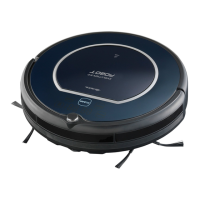
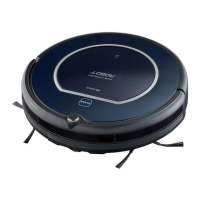
Pro Evolution can be activated/deactivated through the “CLEAN” button (B) on the appliance body.
Through the “CLEAN” button, it is possible to move from an operating mode to another: from clean-
ing to pause to rest.
Pro Evolution light and status signal the operating mode
Operating mode CLEAN button light Pro Evolution status
“Pause” mode Blinking green It is paused, waiting for commands.
“Cleaning” mode Steady or blinking green It moves, cleaning in progress.
“Sleeping” mode Off It “sleeps”, must be “woken up” to
be activated.
a) If Pro Evolution is in “pause” mode (it does not move and the green light is blinking), it means
that it is awaiting commands:
- to start a cleaning cycle, press the “CLEAN” button once;
- for moving from “pause” mode to “sleeping” mode, press the “CLEAN” button for 3 seconds or wait
15 seconds until the blinking light goes off.
b) If Pro Evolution is in “sleeping” mode (it does not move and the green light is off), it means
that it is “sleeping” and it is necessary to press the “CLEAN” button twice to start the cleaning
cycle:
- once to “wake it up” and bring it to “pause” mode; the “CLEAN” button will start blinking in green;
- another time to activate cleaning by bringing it to “cleaning” mode: the “CLEAN” button will become
steady green.
c) If Pro Evolution is in “cleaning” mode (it is cleaning and the light is steady green), press the
“CLEAN” button once to stop it:
- with a light pressure to enter the “pause” mode, awaiting 15 seconds so that it automatically enters
the “sleeping” mode;
- with a longer 3-second pressure to enter the “sleeping” mode directly.



 To Next Page