EasyManua.ls Logo

Arista ARP-2200AP SERIES - User Manual

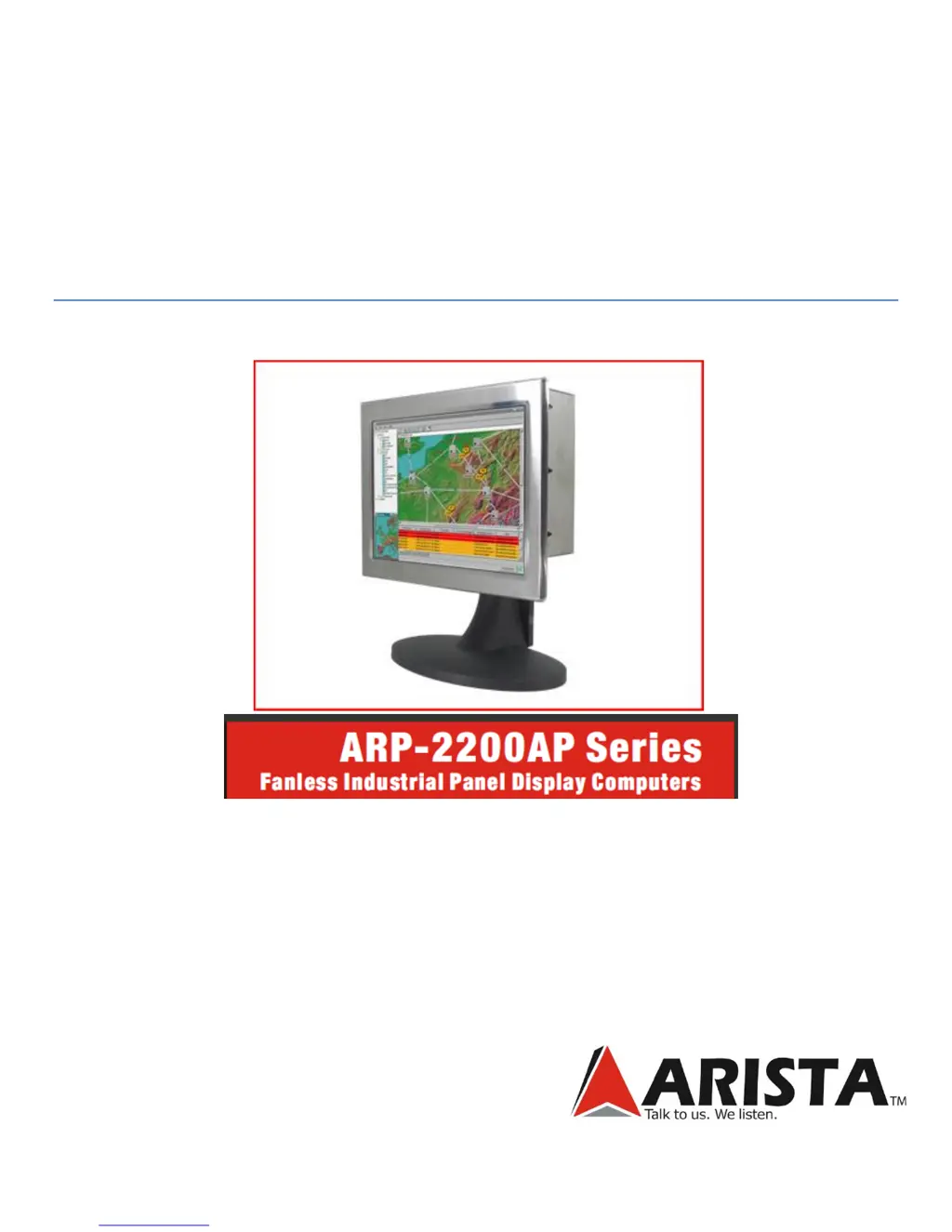
Arista ARP-2200AP SERIES
84 pages
Print Icon
To Next Page IconTo Next Page
Loading...
USER MANUAL

Table of Contents

Questions and Answers

Summary

Chapter 1 General Information

1.2 Specifications

Details the technical specifications and ratings for ARP-2200AP models.

Chapter 2 Hardware Installation

2.3. Installation and Mounting Procedures

Explains how to mount the ARP-2200AP Series using panel or VESA mounting.

Chapter 3 Driver Installation for Windows XP-Pro

3.1. Driver Installation - ARP2200 AP A00 Model

Guides through installing drivers for the ARP2200AP A00 model on Windows XP-Pro.

3.2. Driver Installation - ARP2200 AP D00 Model

Details driver installation steps for the ARP2200AP D00 model on Windows XP-Pro.

Chapter 4 ACP Enabled ARP-2200 AP Setup

4.1. The Boot Process

Explains the boot process for ACP Enabled thin clients and ThinManager integration.

4.2. IP Address Assignment

Covers DHCP and static IP address configuration for ThinManager Ready thin clients.

4.3. Configuring New Hardware

Describes how new terminals are configured within ThinManager.

4.4. Create New Terminal Mode

Details the process for initiating and configuring new terminals in ThinManager.

Chapter 6 Connector Pin Assignments

Chapter 7 Video Alignment (Calibration)

Chapter 8 Maintenance and Troubleshooting

8.1. Electrostatic Discharge

Details precautions and grounding techniques to prevent damage from electrostatic discharge.

8.7. Troubleshooting

Describes common symptoms, possible causes, and actions for troubleshooting issues.

Arista ARP-2200AP SERIES Specifications

General IconGeneral
BrandArista
ModelARP-2200AP SERIES
CategoryTouch Panel
LanguageEnglish