Note: the SIM card is a full size. If using a
micro or nano SIM, use an adapter so that it
will fit.
Plug the USB cable into the provided charger.
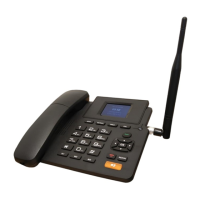
Plug the provided cable into the Genius X2.
Turn on the charger at the wall outlet.
Press and hold the power button on the phone.
o Note: If the Genius X2 is not powered up, a battery level indicator will
display.
o A red LED will light up next to the ESC key, indicating power via USB. It will
turn off when the power is provided by the battery only.
As a guide, at a medium brightness, with the display set to auto turn off after 5 minutes
and at the home screen, the Genius X2 has been tested to remain with power for 24
hours, with average use (3x 10 minute calls, no calls overnight) during this time. The
battery is a backup only and not recommended as a mobile device.


 To Next Page