44
2. Check to see if your light shows a status of Oine or if the battery icon shows
that the battery needs to be recharged.
3. If your light is online and its battery is charged, use the motion detection test
or change the motion sensitivity level for the light.
See Test motion detection on page 9 and Change motion sensitivity on page
20.
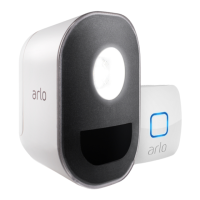
An Arlo Security Light is oine
To find out if your light is oine, launch the Arlo app and view the status of the
light on the Devices page.
If your light is oine, it might not be communicating with your Arlo Bridge.
If your Arlo Security Light is oine, try the following:
• Make sure that your Arlo Security Light’s battery is charged.
• Minimize the number of walls between your Arlo Security Light and Arlo Bridge.
• Make sure that your Arlo Security Light is within range of your Arlo Bridge.
• Power cycle your Arlo Security Light.
• Make sure that your Arlo Bridge is online.
Check if the bridge is oine
¾ To see if your bridge is oine:
1. Launch the Arlo app.
The Devices page display.s
2. Tap or click Settings > My devices.
A list of devices displays.
3. Tap the bridge.
Check the status of the bridge.


 To Next Page