2 3
Get Started
For the best experience: We recommend you fully charge your
battery before setup. The LED on the front of the camera will
turn solid blue when 100% charged.
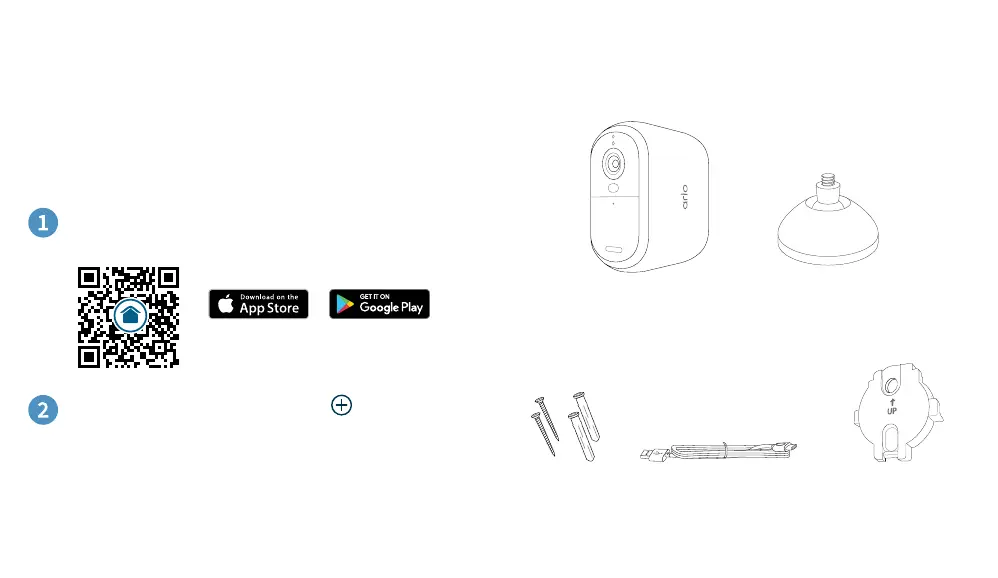
To start setup, tap Devices and then , and select
Cameras > Essential Series > Essential Cameras 2nd
Generation and follow the prompts.
Or go to arlo.com/app/secure/
Download the Arlo Secure App:
What’s in the box
Indoor USB
Charging Cable
Wall Plate
Wall Mount
Arlo Essential XL
Outdoor Camera
Screw Kit


 To Next Page