1. To power on your camera, connect the USB-C cable to
the included power adapter and plug in to an indoor
power outlet.
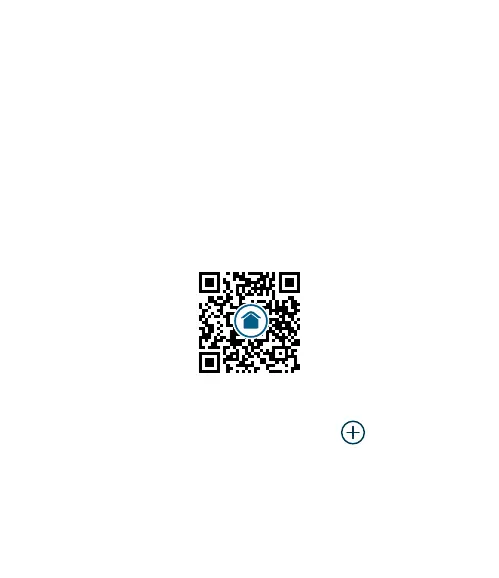
2. Scan the QR code below to download or update the
Arlo Secure App and sign in or create an account.
3. In the App, tap Devices and then the icon, to
begin setting up your camera. Tap Cameras, then
Essential Series, then Essential Cameras 2nd
Generation and follow instructions. If you have
multiple cameras, go through the setup process one
camera at a time.
Set up your Arlo Essential
Indoor Camera
2nd Generation
arlo.com/app/secure/



 To Next Page