ARMIGA User Guide v0.8
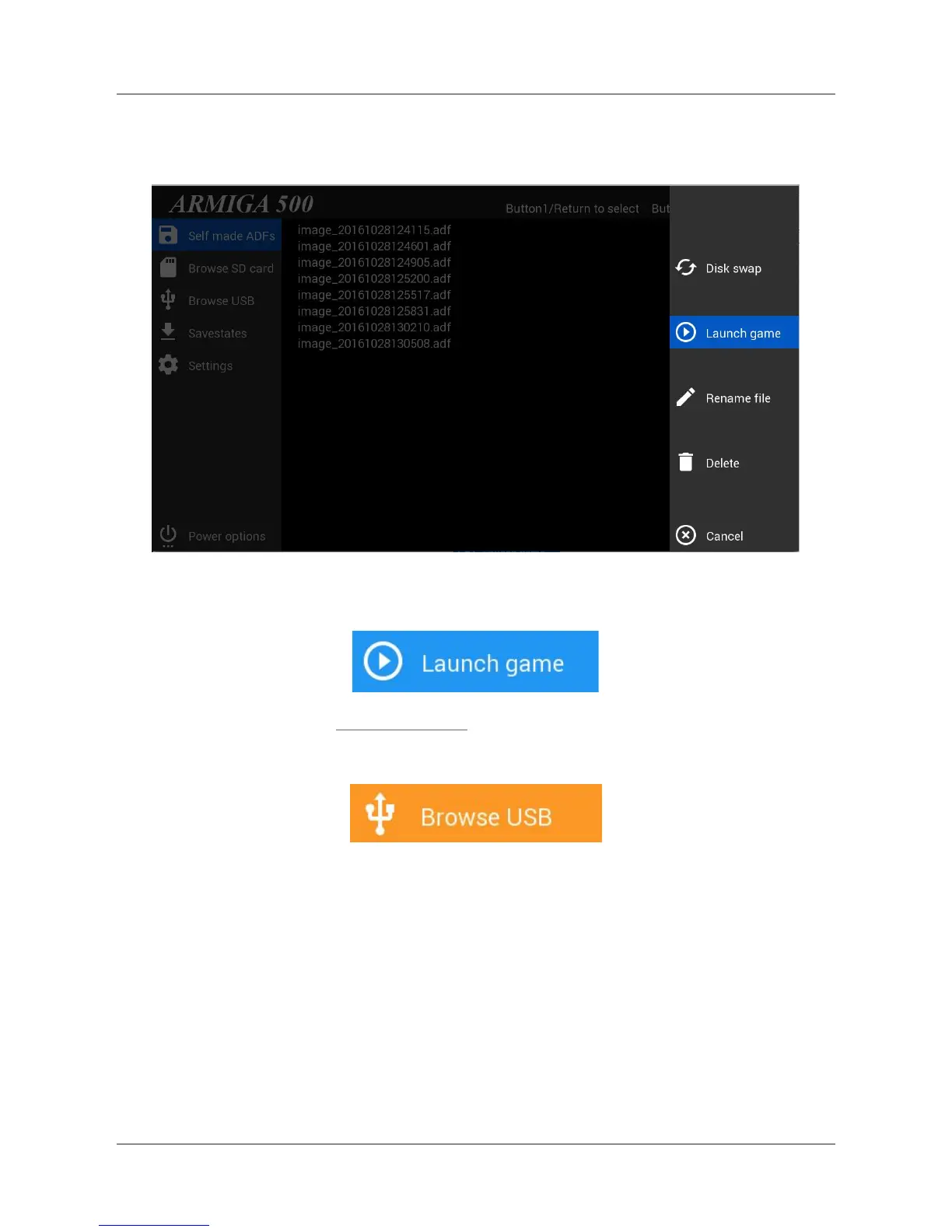
Navigate using your up/down arrows keys or the joystick/gamepad. You can use Page Up and
Page Down on your keyboard to fast scroll the list. Press return or fire on the ADF image you
want to launch, a new lateral menu will appear:
Use your keyboard arrows or joystick/gamepad to highlight this option and press return or fire.
5.2.1.3. From a USB drive
Use your keyboard arrows or joystick/gamepad to highlight this option and press return or fire.
Navigate using your up/down arrows keys or the joystick/gamepad. You can use Page Up and
Page Down on your keyboard to fast scroll the list. Press return or fire on the game you want to
launch, a new lateral menu will appear:
9


 To Next Page
 Loading...