ARMIGA User Guide v0.8
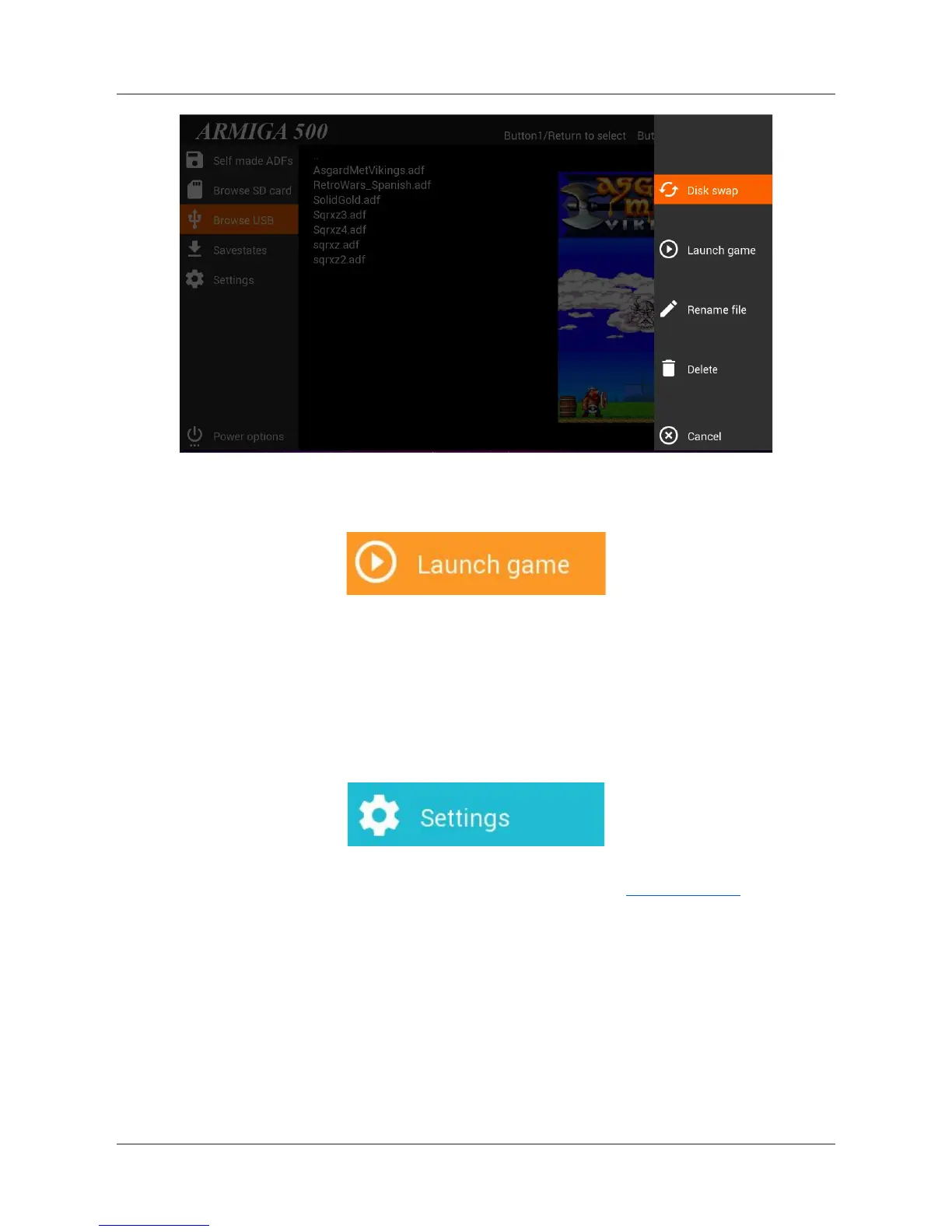
Use your keyboard arrows or joystick/gamepad to highlight this option and press return or fire.
To safely unplug your pendrive with the Armiga turned on, inside the USB navigator, press “u”.
5.2.2. Settings: Changing graphic filters, aspect ratio and FastLoad
Use your keyboard arrows or joystick/gamepad to highlight this option on the main menu and
press return or fire.
You can make this while playing. Just return to main menu from the In-Game menu
● Select this option and press fire to change the filters:
10


 To Next Page
 Loading...