ARMIGA User Guide v0.8
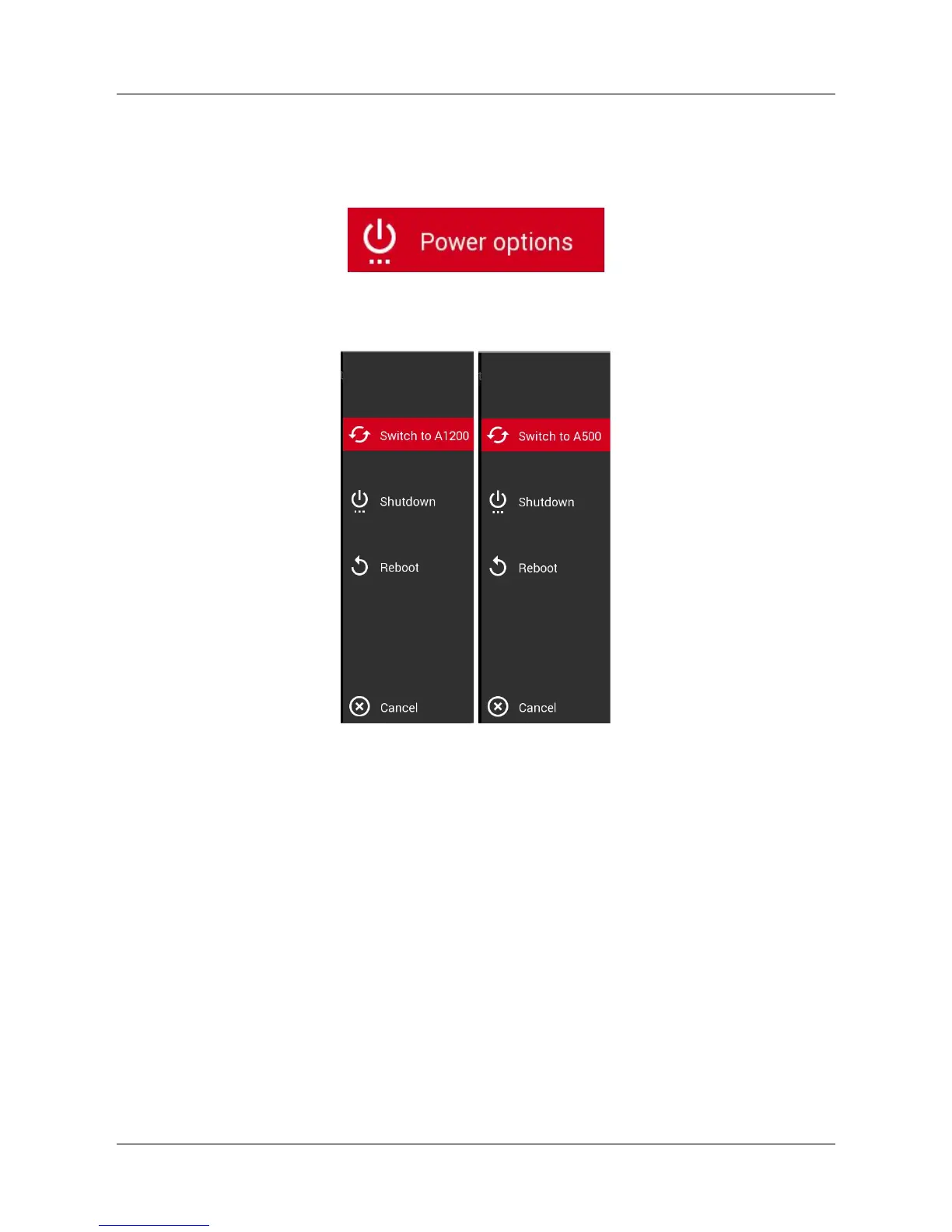
To switch between the Amiga 500 and Amiga 1200 environments, highlight this option and
press fire:
A new lateral menu will appear. Select Switch to A1200 or Switch to A500 to change into the
wished emulator.
The main menu will appear in a few seconds.
5.4. In game controls
Use your joystick/pad buttons 1 and 2 or keyboard Left Control and Space as fire 1 and 2. On
joysticks/pad, button 2 is also mapped with up, as most games used this for jumping.
17


 To Next Page
 Loading...