8
Page
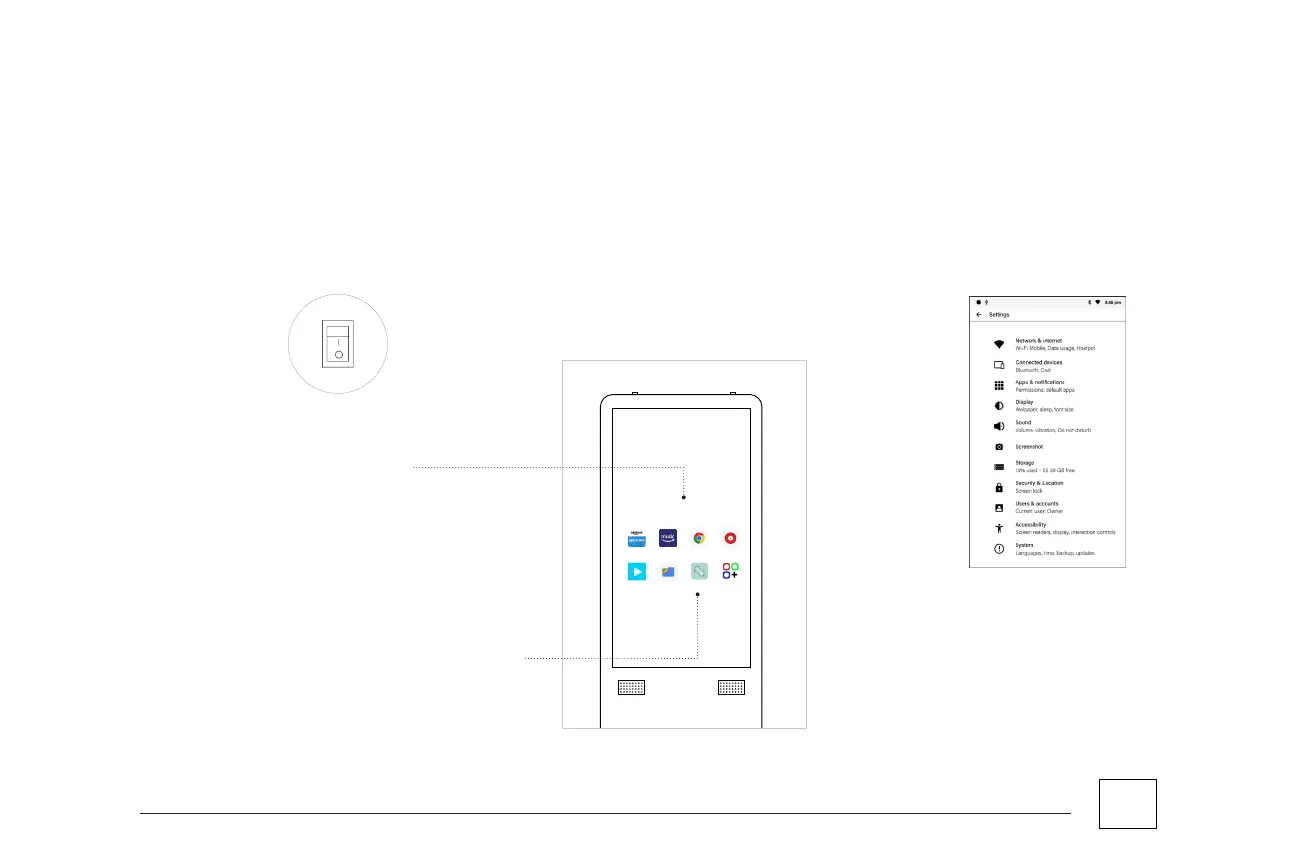
Switch the main power to “I” at the lower back
panel of the unit to turn on the ISK and wait for
the unit load.
STARTING-UP THE ISK
Once loading is completed, essential widgets will
be displayed on screen.
Select the “Apps” icon to connect the ISK to the
Network, and then click the Settings option.
Select Network & Internet and choose your
preferred Wi-Fi Network.
Once connected, you are now ready to explore
and experience the ISK!
Step 1
Step 3
Step 4
Step 2
Step 5



 To Next Page