2. Check Motor Rotation
After you assembling it, please check whether the rotation of each motor is right.
Here is a video for reference.
https://youtu.be/Uea32xxf-sw
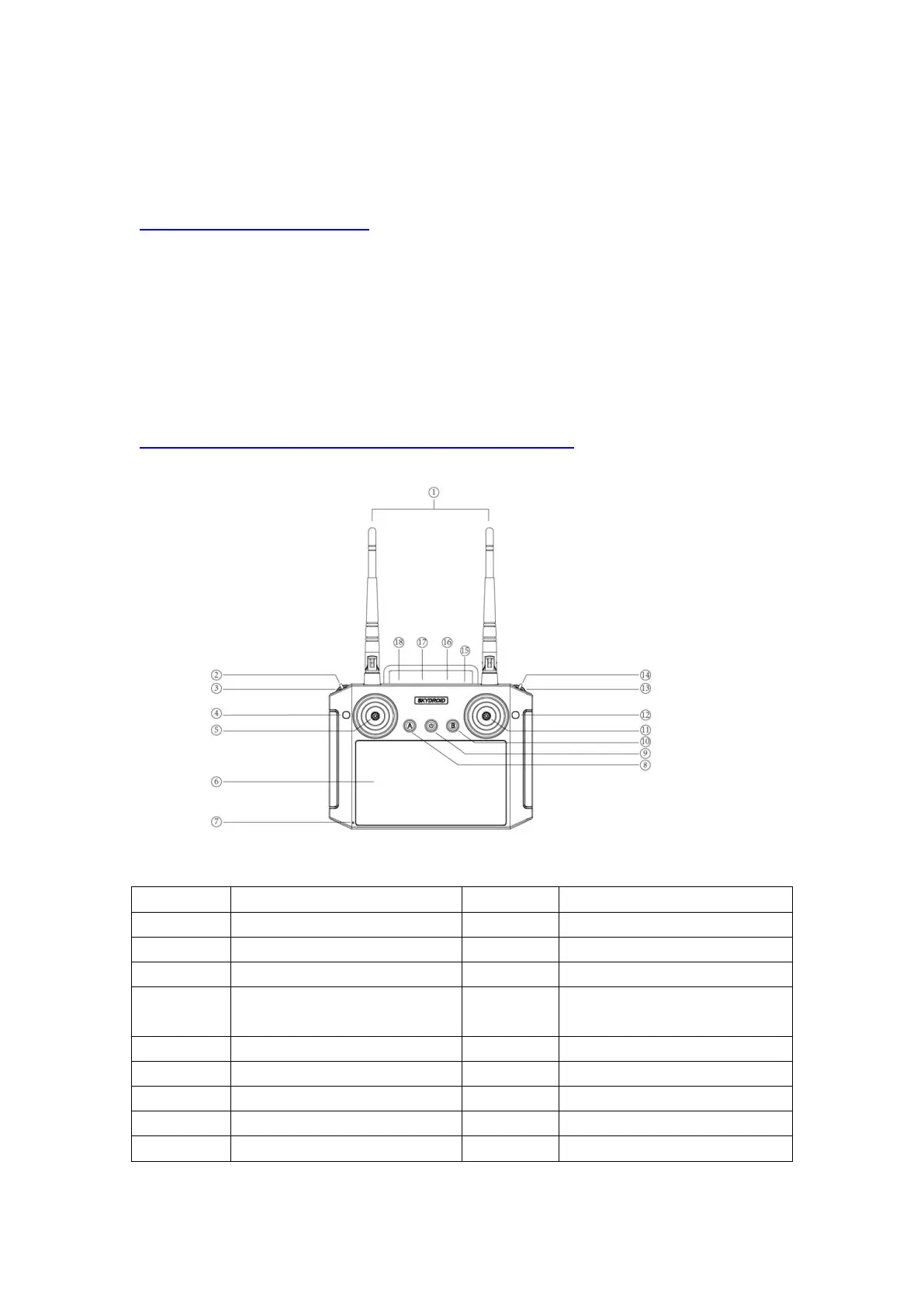
Know about the Skydroid H12 Radio
3. Connect Wifi on the Radio
The H12 Radio is also regarded as the ground station for the M900 drone, and it need
to connect with the internet. The most convenient way is to use the hotpots on your
phones.
Below videos shows to to operate on your phone and the radio.
https://youtube.com/shorts/Yrt2rsGKkmQ?feature=share
2 Axis gimbal Angle
Adjustment


 To Next Page