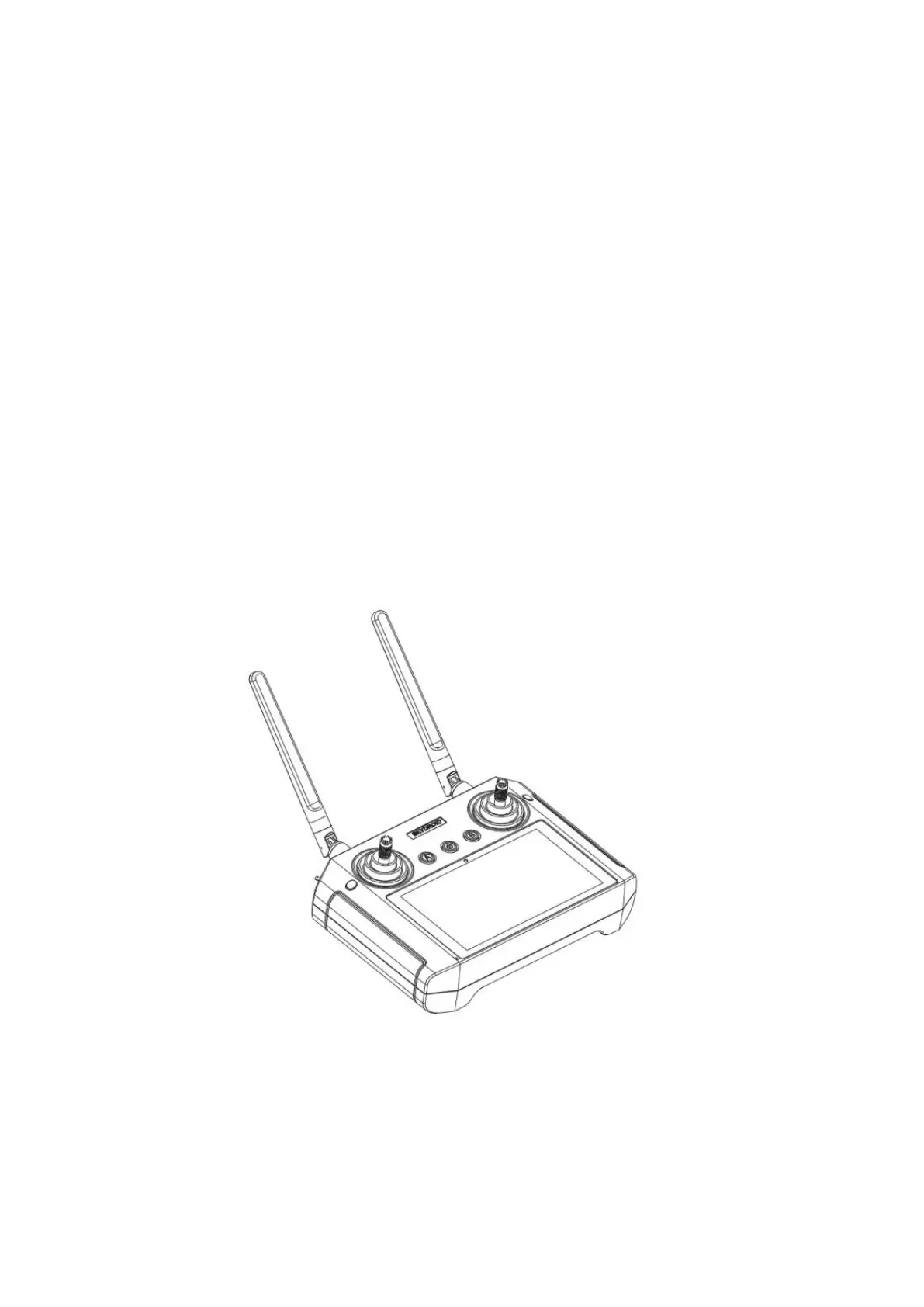
Flight Mode Switch: 1. Altitude Hold Mode
2. GPS Mode
3. Return to Home Mode
2 Axis gimbals angle adjustment: Control the pitch angle of the camera with 2 axis
gimbal
Drop system control: Control to dropping the parcels from the drone
Button 5--Throttle (Mode 2): Push the stick up, the drone will rise;
Pull down the stick, the drone will descend
Button 11--Forward/backward/side fly control lever:
-Push the stick up and the drone flies forward
-Pull down the control stick and the drone flies backward
-Toggle the control stick to the left, and the drone flies to the left side
Remote Control Antenna
Make sure the antenna of the remote control is placed correctly.
The antenna should be unfolded and 45°upward.
Introduce the main interface of the Ground Station
The H12 comes with the ARRIS M900 drone all pre-installed the “Skydroid GCS” APP,
in this APP, this is a simplified QGC, easy to operate here.
Here we will introduce the interface of it


 To Next Page