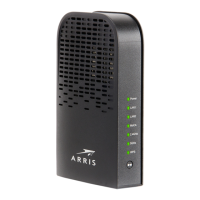
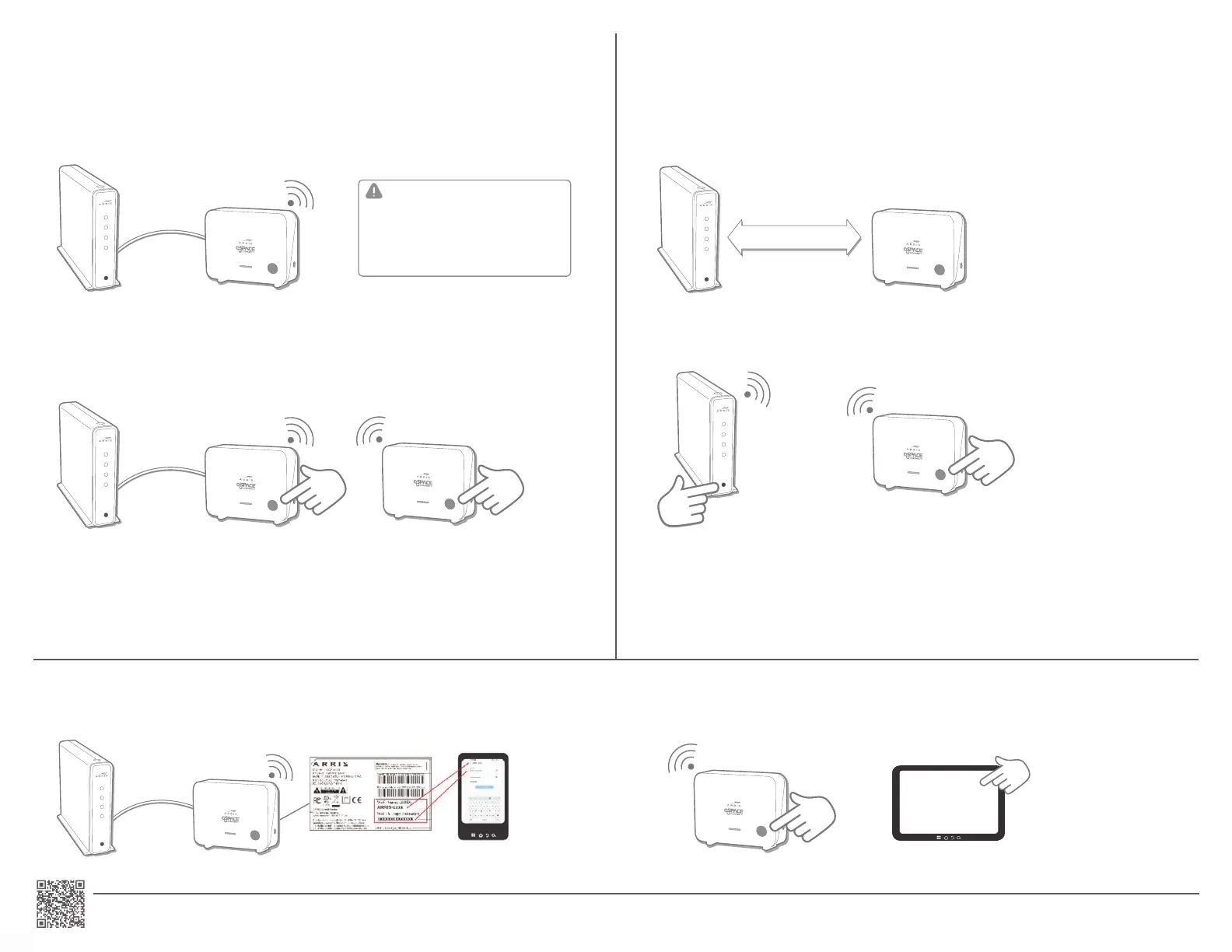
CONNECT YOUR FIRST VAP4641 WIRED CONNECTION
Has your service provider informed you that your router is EasyMesh enabled? NO
push the WPS button on the Mesh Point you are adding.
I
O
RE
S
ET
I
O
RES
E
T
I
O
R
E
SET
2. Pair the router and the Mesh Point: Push the WPS button on the router, then push the WPS button on the Mesh
CONNECT YOUR VAP4641 WIRELESS CONNECTION
Has your service provider informed you that your router is EasyMesh Enabled? YES
to ON.
I
O
R
E
SE
T
5-15m
I
O
R
E
SET
Mesh Point connected to your router, or
I
O
RE
S
ET
- OR -
on your device.
For advanced setup - Please visit our website product page:
Use Wi-Fi WPS PBC
I
O
R
E
SET
Connecting clients (optional) :
www.spacetv.co.za
Helpline: 0861 40 41 42
IMPORTANT!!!
When connecting using the WIRED OPTION,
it is recommended that you switch off the
Wi-Fi on the current router, and use the
Space Connect Arris VAP4641 as your
primary connection.


 To Previous Page
 Loading...