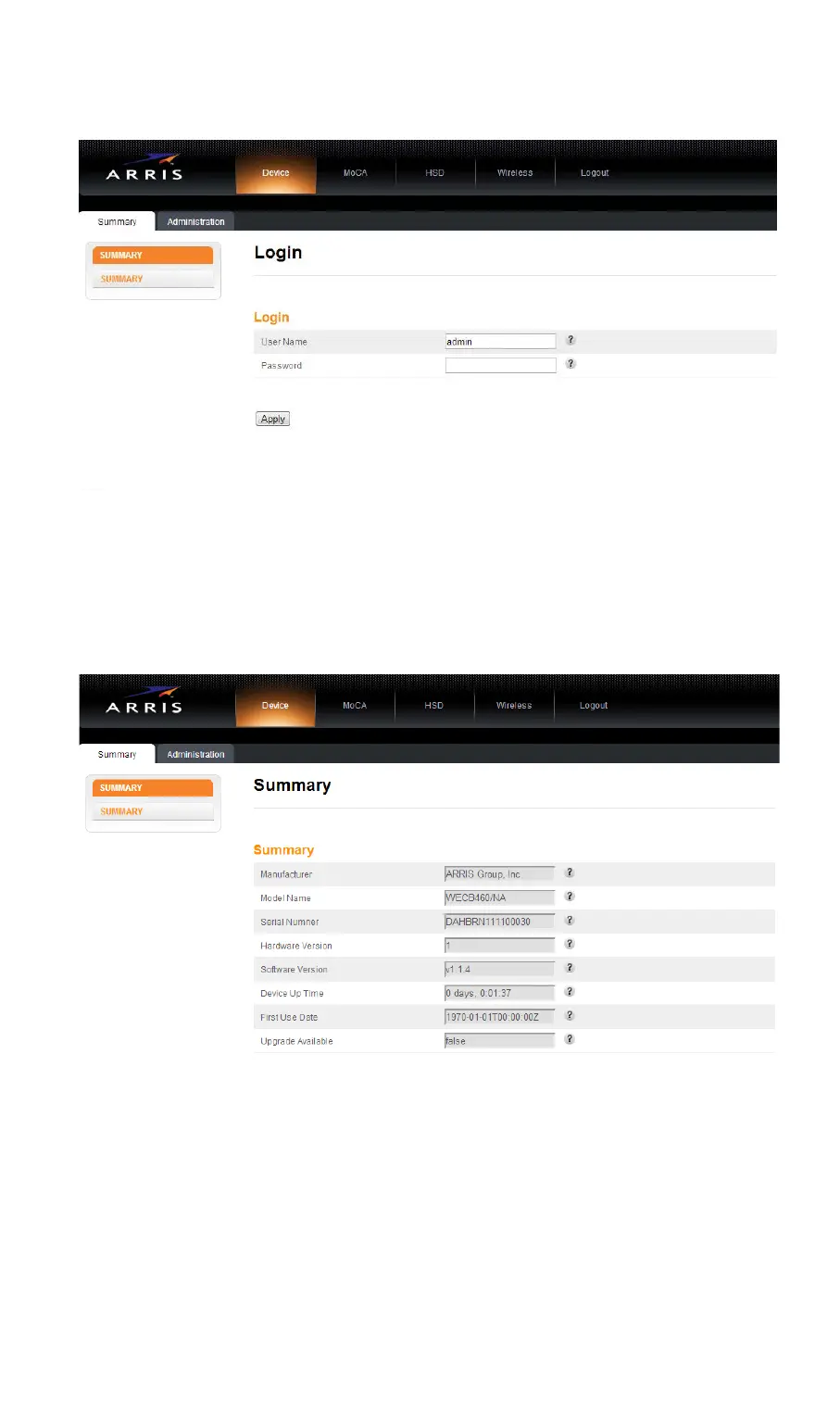
The Login screen displays.
Step 3: Enter the user name and password and click the Apply button to log
in.
The default user name is “admin”. The default password is “password”,
in lower case letters.
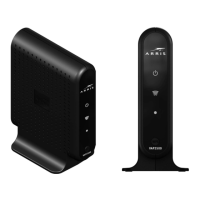
The Device Summary screen displays.
Step 4: Click Wireless on the top menu, then click either the 2.4 GHz Radio
tab or the 5 GHz Radio tab.
The Wireless Basic Setup screen for the respective radio displays.
2.4 GHz Radio Setup screen:
12


 To Next Page