Chapter 2
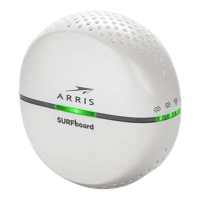
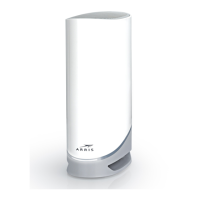
How to read your X5 Mesh Extender LED
Note: The LED will automatically turn off after 10 minutes. To check the LED status,
turn it back on by tapping the WPS button located on the back of the unit.
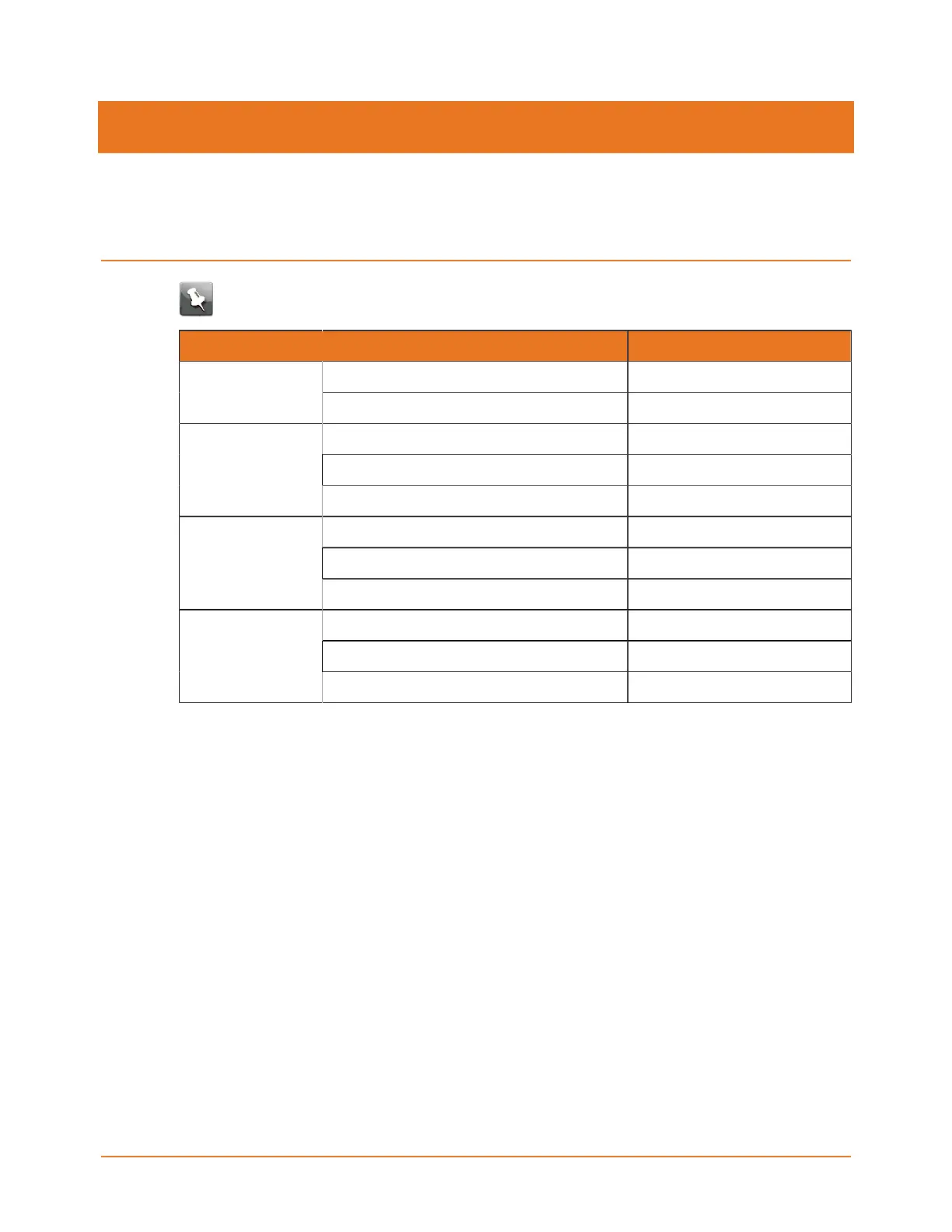
State LED Color
Starting up fast blinking greenPower
Up; not connected to network slow blinking green
Fast network speed solid green
Limited network speed solid yellow
Wired (Ethernet
connection to
network)
Slow network speed solid red
Extender at good position solid green
Extender far from router/gateway solid yellow
Wireless (wireless
connection to
network)
Extender too far from router/gateway solid red
WPS process ongoing blinking yellow
WPS pairing unsuccessful fast blinking red; 10 seconds
WPS
WPS pairing successful fast blinking green; 10 seconds
X5 Release Mesh Extender Quick Start Guide DRAFT Revision 3


 To Next Page