Chapter 3
Installation types
If your service provide has not informed you that your ARRIS gateway is HomeAssure
Enabled, use the Connect your X5 Mesh Extender wired (page 4) installation
instructions.
If your service provider informed you that your ARRIS gateway is HomeAssure Enabled, use
the Connect your X5 Mesh Extender wirelessly (page 5) installation instructions.
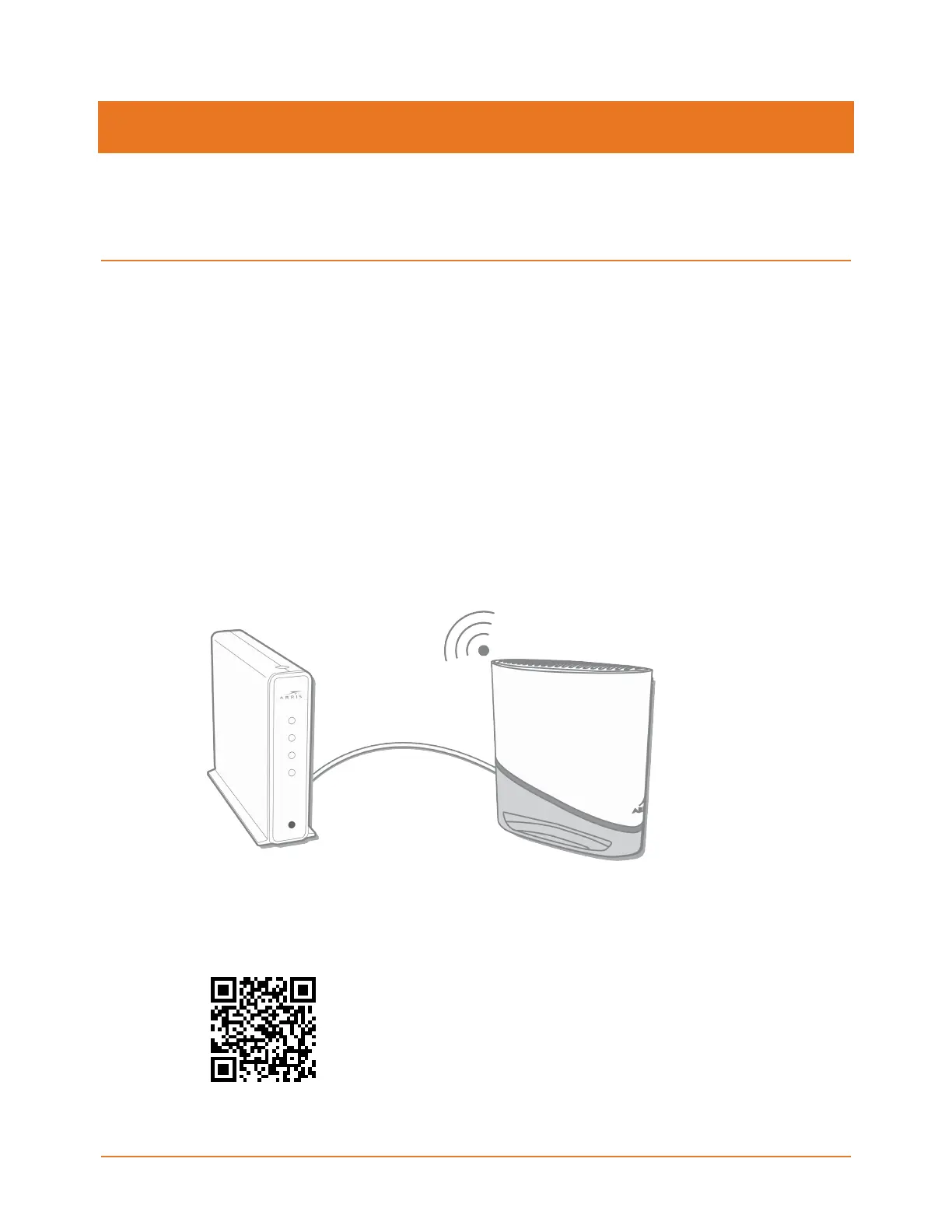
Connect your X5 Mesh Extender wired
Use this procedure if your service provider has not informed you that your ARRIS gateway is
HomeAssure Enabled.
1. Connect your first X5 to your current gateway with an Ethernet cable using either
Ethernet port .
2. Connect the X5 to power using the power supply (provided).
The LED will blink fast, then blink slow, then turn to solid green. This will take a couple of
minutes.
3. Scan the QR code to download the ARRIS Wi-Fi Home mobile app and follow the on-
screen instructions,or continue to Step 4.
X5 Release Mesh Extender Quick Start Guide DRAFT Revision 4


 To Next Page