8. Setup Instructions
a. Instructions
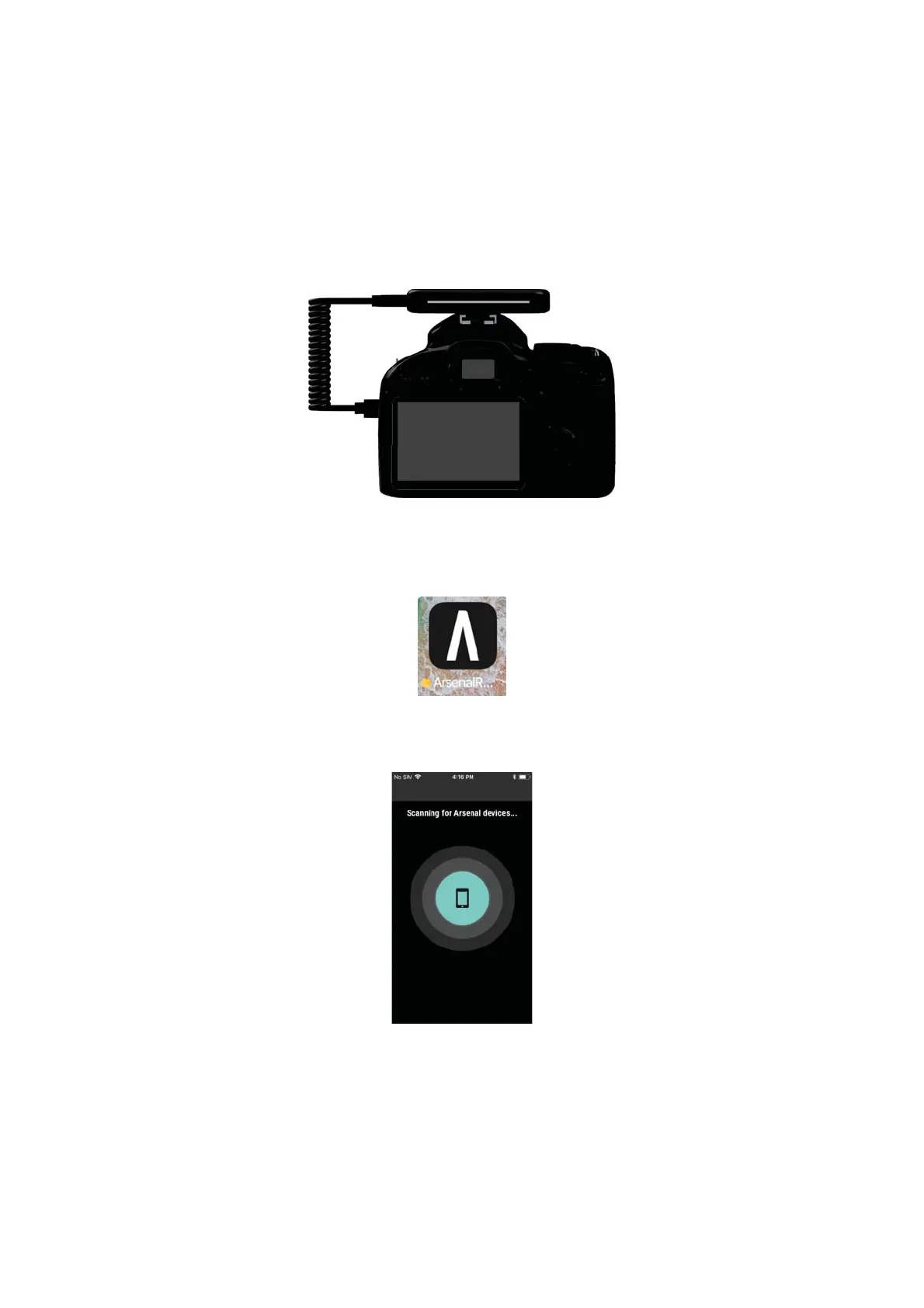
i. Slide the Arsenal 2 Pro into the Hot Shoe of the Camera.
ii. Connect the Coiled USB Cable to the Arsenal 2 Pro and USB Connection
on the Camera.
iii. Turn the Arsenal 2 Pro On and allow it to boot. This will take about 15
seconds.
iv. Set the Camera to Aperture Mode and turn it On.
v. On the Phone, open the Arsenal 2 App.
vi. Select “Get Started” and “Add New Arsenal.”
vii. The Arsenal 2 App should momentarily state “Scanning for Arsenal
devices...” before connecting to Arsenal 2 Pro.
viii. After the Phone has connected to the Arsenal 2 Pro, the screen will
update to the main application screen. Arsenal 2 Pro is now ready to use.


 To Next Page