EasyManua.ls Logo

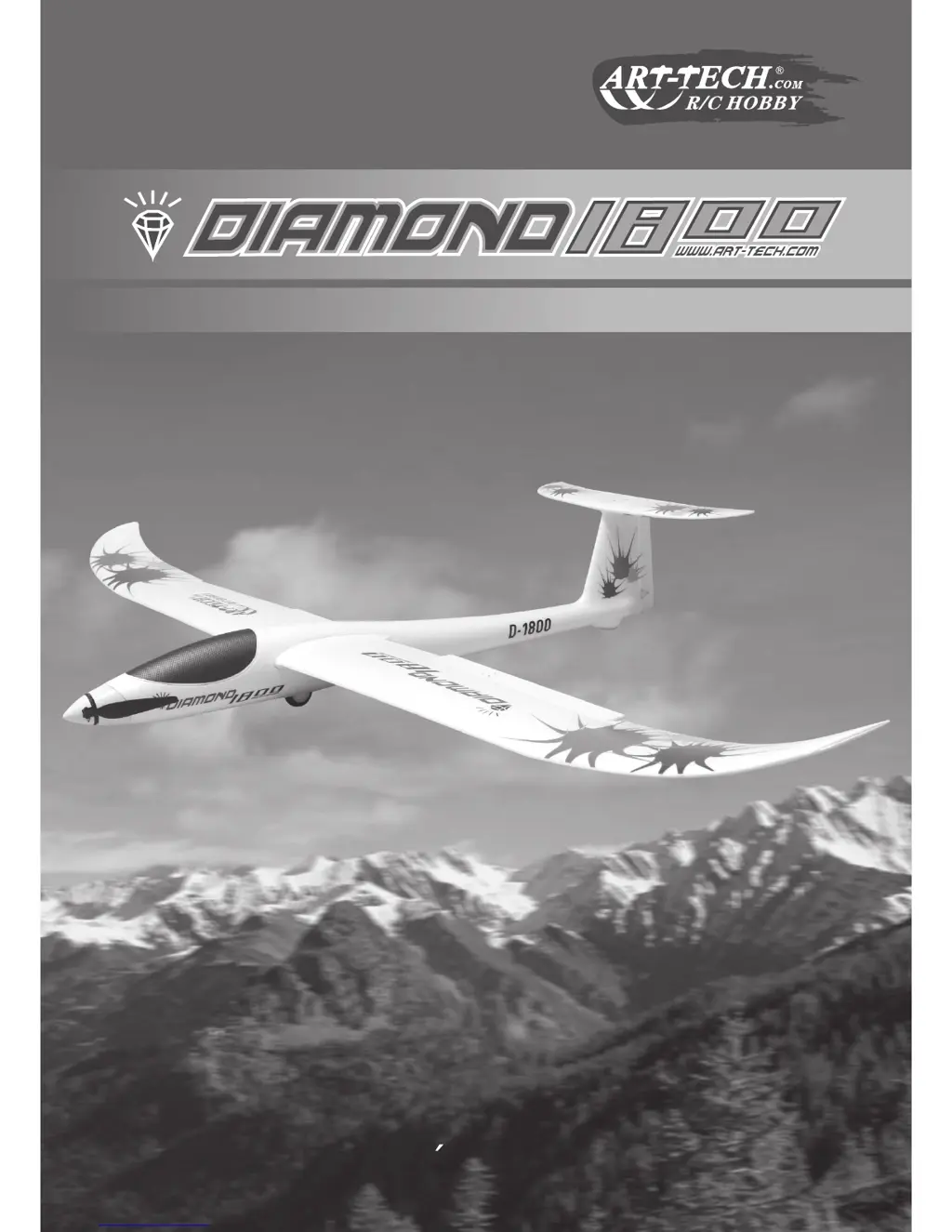
Art-Tech Diamond 1800 - User Manual

Art-Tech Diamond 1800
15 pages
Print Icon
To Next Page IconTo Next Page
Loading...
USER S MANUAL
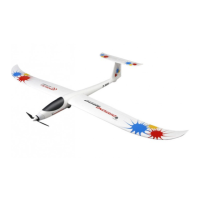
Remote control radio gliderRemote control radio glider

Questions and Answers

  • J
    John MorganAug 1, 2025
    What to do if Art-Tech Diamond 1800 motor does not run?
    • N
      Natasha StokesAug 1, 2025
      If your Art-Tech Toy motor isn't running, first, ensure the battery is fully charged by charging it. Also, check that the transmitter's battery is sufficiently charged and install a fully charged battery if needed. If these steps don't resolve the issue, it's recommended to contact your local dealer to check the wire connection inside the model.
  • M
    Mariah MooreAug 7, 2025
    Why Art-Tech Toy can not climb?
    • M
      michael38Aug 7, 2025
      If your Art-Tech Toy can't climb, ensure the battery is fully charged. If the battery is not the issue, check if the two ailerons are biased downward and adjust the inching switch on the Transmitter.
  • V
    Valerie KimAug 13, 2025
    How to fix Art-Tech Toy that can not fly straight?
    • J
      Jessica RiggsAug 14, 2025
      If your Art-Tech Toy is not flying straight, adjust the trim switch on the transmitter, because the rudder might not be in the center position of the airframe. If the problem persists, re-assemble the main wing, because it might not be fixed in the center position of the airframe.
  • B
    Brittany LeeAug 19, 2025
    Why Art-Tech Toy has limited control range?
    • D
      Dr. Samantha ScottSep 12, 2025
      If you experience a limited control range with your Art-Tech Toy, try installing new batteries, because the current batteries might be almost flat.
  • L
    Lisa TuckerAug 25, 2025
    What to do if Art-Tech Toy has no reaction of the control surface?
    • D
      David SnowAug 26, 2025
      If your Art-Tech Toy control surface isn't reacting, check the connection of the servo cable, ensuring it's plugged in properly and not inverted. If the connection is correct, the servo might be damaged, and you should replace it with another servo.

Summary

English Parts Overview

Technical Parameter

Detailed technical specifications including wingspan, length, weight, and flying time.

Features

Highlights the key performance characteristics and build quality of the glider.

General Warnings

Crucial safety warnings for intermediate and experienced hobbyists using the model.

Operational Guidelines and Components

Safety and Handling Instructions

Important instructions to read and understand for safe operation of the model.

Main Parts of the Airplane

Identifies and lists the primary components of the Diamond 1800 glider.

Flying and Charging Procedures

Flying Adjustment

Guidance on adjusting the glider for optimal flight performance.

Tips for Flying

Essential tips for successful takeoff, gliding, and landing.

Charge Mode and Warning

Instructions and warnings for charging the Li-Po battery.

Battery Safety and Charger Notice

Charger Notice

Important notices regarding the use and safety of the battery charger.

Safety Instructions for Li-poly batteries

Comprehensive safety guidelines for handling and charging Li-poly batteries.

Caution

Additional cautions related to battery usage, charging, and performance.

Assembly Instructions

Wing and Fuselage Assembly

Step-by-step guide for assembling the wings and connecting them to the fuselage.

Stabilizer and Servo Connection

Instructions for attaching the stabilizer and connecting servo plugs.

Final Assembly and Checks

Transmitter and Battery Installation

Procedure for turning on the transmitter and installing the battery.

Control Surface and Motor Check

Verifying servo movement and ensuring control surfaces are in neutral position.

Troubleshooting and Flight Experience

Troubleshooting Common Problems

Solutions for issues like motor not running or control surface problems.

Valuable Experience

Tips and advice for improving flying skills and model longevity.

Radio Control System Components

Notes on Parts

Information regarding damaged parts and purchasing replacements.

Components to the R;C system

Overview of the transmitter, receiver, servos, and speed controller.

Receiver Connection Sketch

Diagram illustrating how to connect the receiver to various components.

Transmitter Operation

Transmitter Introduction Mode 1

Detailed explanation of controls and features for transmitter Mode 1.

Transmitter Introduction Mode 2

Detailed explanation of controls and features for transmitter Mode 2.

Frequency Binding Procedure

Especial Notice

Special notice regarding the frequency binding process.

Frequency Binding Steps

Step-by-step guide for binding the radio system's transmitter and receiver.

Normal Flight Controls

Flight Control Mapping

Chart illustrating stick movements for controlling speed, turns, and altitude.

Pre-Flight Checks and Adjustments

Inspection and Adjustment Before Flying

Procedures for inspecting and adjusting the model before taking off.

Adjustment During the Flying

Methods for making adjustments to the glider while in flight.

Spare Parts List

Replacement Parts Identification

List of available spare parts with corresponding part numbers for the glider.

Art-Tech Diamond 1800 Specifications

General IconGeneral
BrandArt-Tech
ModelDiamond 1800
CategoryToy
LanguageEnglish

Related product manuals