Getting Started
If you’re a new customer:
1. Download and install the Artec Installation Center (AIC)
from the my.artec3d.com homepage.
2. Run the Artec Installation Center and log in with your
my.artec3d.com account details.
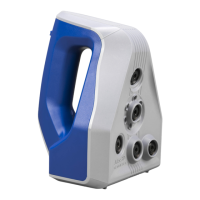
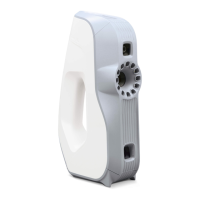
3. Plug your Artec Eva into the computer.
4. Click on Activate, then download and install Artec Studio.
If you’re an existing customer:
1. Run the Artec Installation Center.
2. Plug the 3D scanner into the computer.
3. Click on Activate and you are ready to go.
3


 To Next Page