Getting Started
5
2. Optical parts
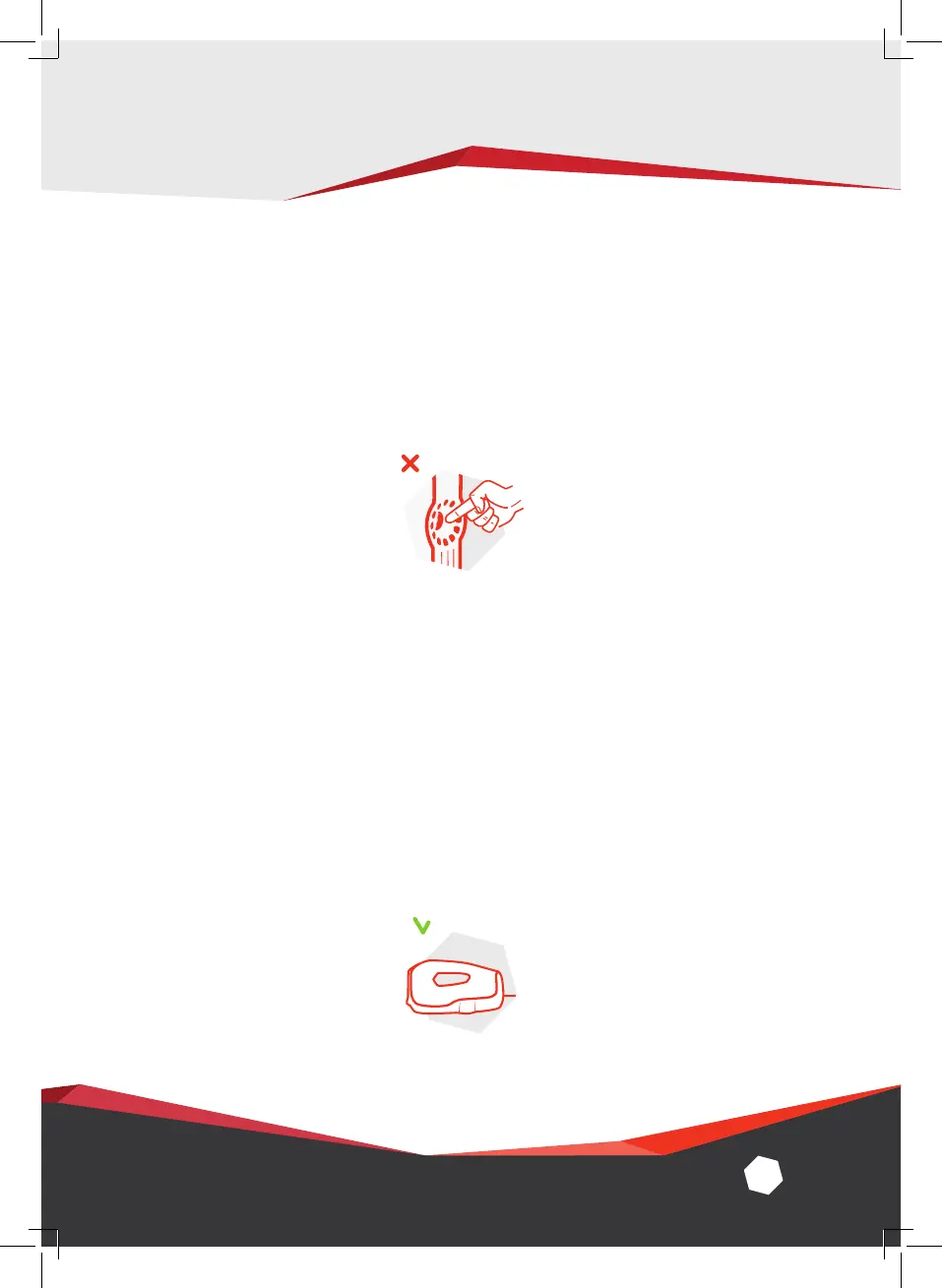
We strongly advise that you refrain from touching the optical
parts of the scanner.
3. Standby position
When taking a break from scanning, make sure to leave
Artec Eva in the standby position, with the texture LEDs
lying face down on the worktop. This is the most stable and
secure position for the scanner and reduces the risk of the
device being knocked over.


 To Next Page