EasyManua.ls Logo

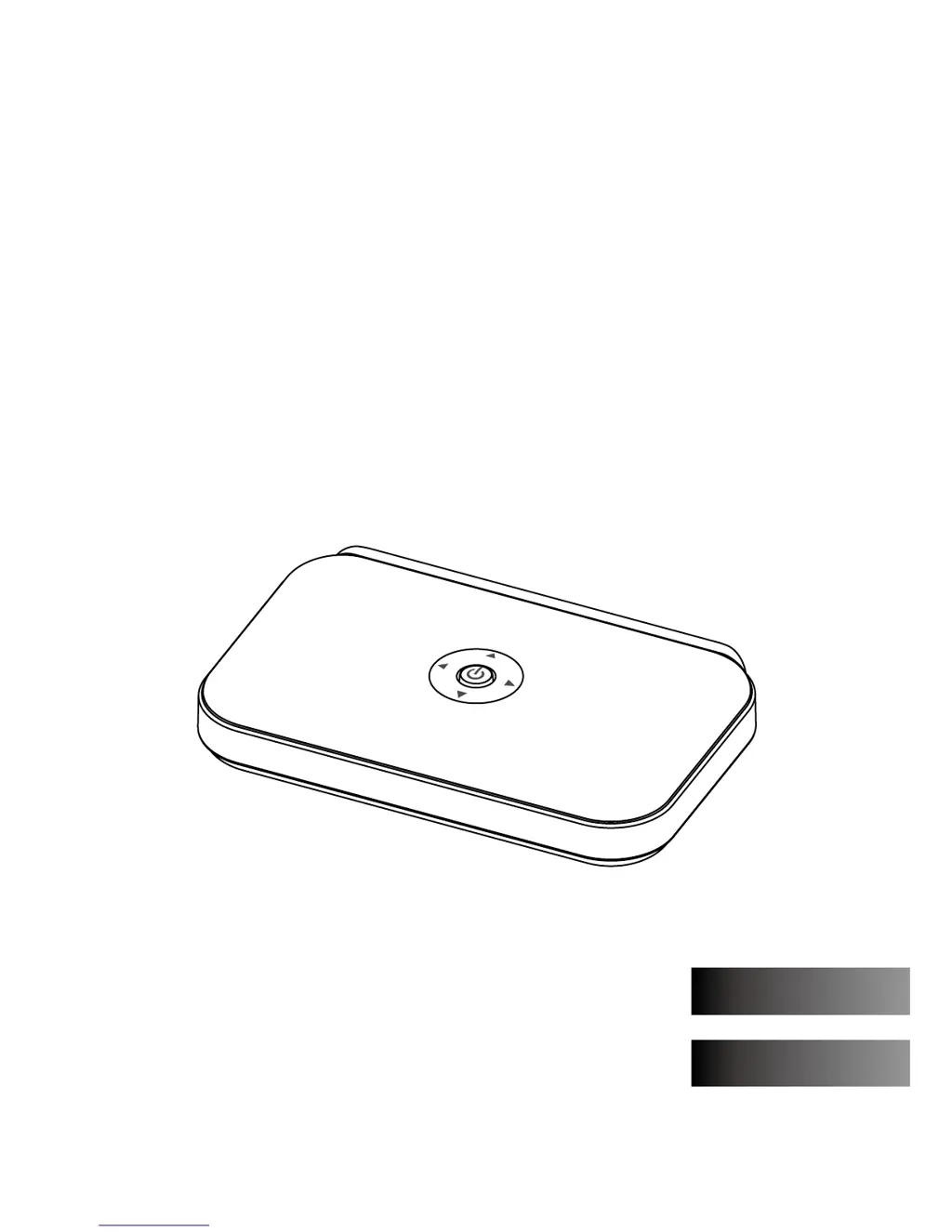
Artec Digital-to-Analog Converter Box - User Manual

Artec Digital-to-Analog Converter Box
43 pages
Print Icon
To Next Page IconTo Next Page
Loading...
Digital-to-Analog Converter Box
User Manual
Español
English

Questions and Answers

  • L
    lisa38Aug 7, 2025
    What to do if the Artec Digital-to-Analog Converter Box remote control does not work?
    • W
      Whitney SandovalAug 7, 2025
      If the Artec Media Converter remote control isn't working, first ensure that you've installed fresh batteries correctly. Also, make sure nothing is blocking the path to the converter box's sensor.
  • C
    Cindy WilkinsonAug 12, 2025
    Why is the picture distorted on my Artec Digital-to-Analog Converter Box?
    • J
      Jaime JonesAug 12, 2025
      If your Artec Media Converter is showing a distorted picture, verify that you've selected the correct aspect ratio. Also, ensure that both ends of the AV cable are properly connected.
  • S
    Sheryl WilsonAug 16, 2025
    What to do if my Artec Media Converter has intermittent signal or no signal?
    • T
      Todd OwensAug 16, 2025
      If you are experiencing intermittent signal or no signal on your Artec Media Converter, ensure your antenna is connected properly and is without damage. If the local signal is weak, try repositioning the antenna to a location with better reception, such as outside a window or on the rooftop.
  • K
    kingandreaAug 20, 2025
    How to reset the lock password on Artec Media Converter?
    • M
      Monica BurnsAug 20, 2025
      If you've forgotten the lock password for your Artec Media Converter, enter the master PIN "7777".
  • C
    Crystal PetersonAug 25, 2025
    Why is there poor or no sound on my Artec Media Converter?
    • B
      brittanytorresAug 26, 2025
      If you're getting poor or no sound from your Artec Media Converter, try the following: - Press the VOL button to increase the volume. - Press the MUTE button to disable mute. - Check that both ends of the AV cable are securely connected.
  • S
    Scott BowmanAug 28, 2025
    What to do if my Artec Digital-to-Analog Converter Box Media Converter has no picture or sound?
    • S
      Samuel CochranAug 28, 2025
      If your Artec Media Converter has no picture or sound, check the following: - Ensure the power cable is connected properly. - Make sure the power is turned ON. - Verify that both ends of the AV cable are connected properly.
  • W
    whollandSep 2, 2025
    How to fix an Artec Digital-to-Analog Converter Box Media Converter with no power?
    • C
      Cassandra MatthewsSep 2, 2025
      If your Artec Media Converter has no power, check that the power cord is securely plugged into the wall outlet and is not damaged.

Artec Digital-to-Analog Converter Box Specifications

General IconGeneral
BrandArtec
ModelDigital-to-Analog Converter Box
CategoryMedia Converter
LanguageEnglish