Scan in Artec Studio
HOW TO USE ARTEC MICRO
Step 1
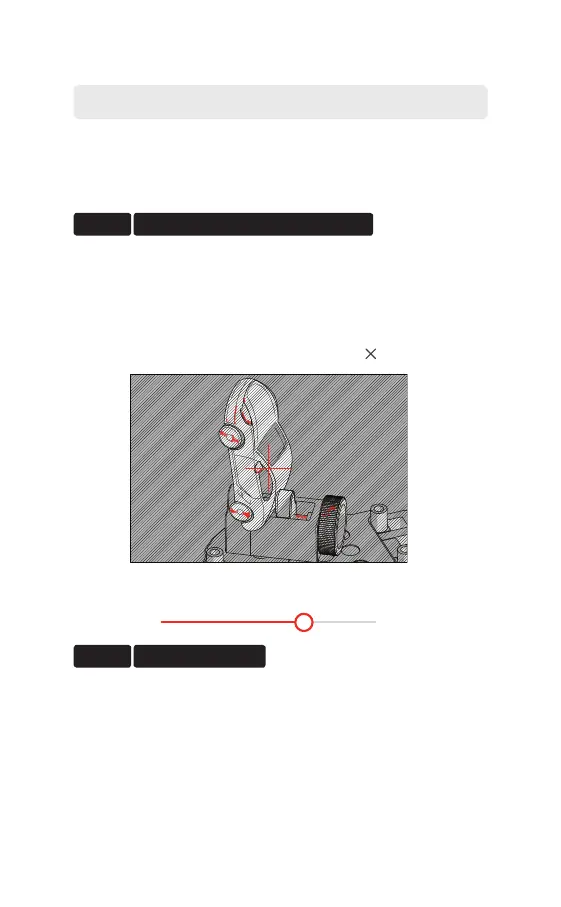
Step 2 Adjust Brightness.
The object must be entirely visible. For large objects,
consider removing extra spacers.
Brightness is the scanner’s reconstruction capability.
First, increase Brightness to make the object visible
in the preview. Next, tune it to minimize areas
highlighted in red (to prevent noise from appearing
in scans).
Fit the object in the camera view.
Brightness 68%



 To Next Page