15
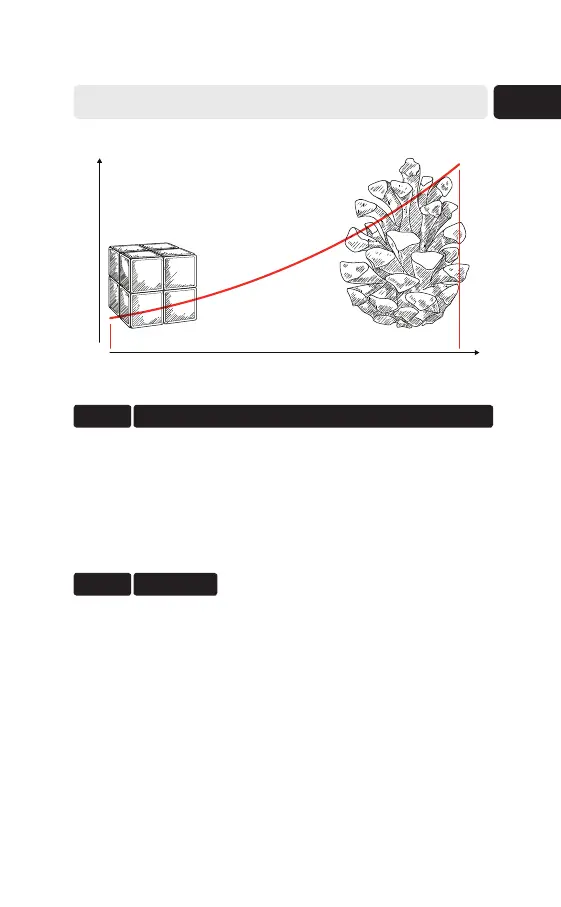
Object complexity
Frame countmin max
HOW TO USE ARTEC MICRO
Step 4
Select Scanning path. For simple cases, use Preview.
Click Scan.
Step 3
Scanning path is a set of turntable positions relative
to the camera. The object’s size and complexity affect
the frame count and the number of these positions.
Obtain Model
Once the scans are ready, process them in Artec
Studio. Consult the Artec Studio User Guide for
details (docs.artec-group.com).



 To Next Page