HOW TO ACTIVATE SIGNATURE SELECT MODE
• Press and hold the POWER button briefly to turn on the device.
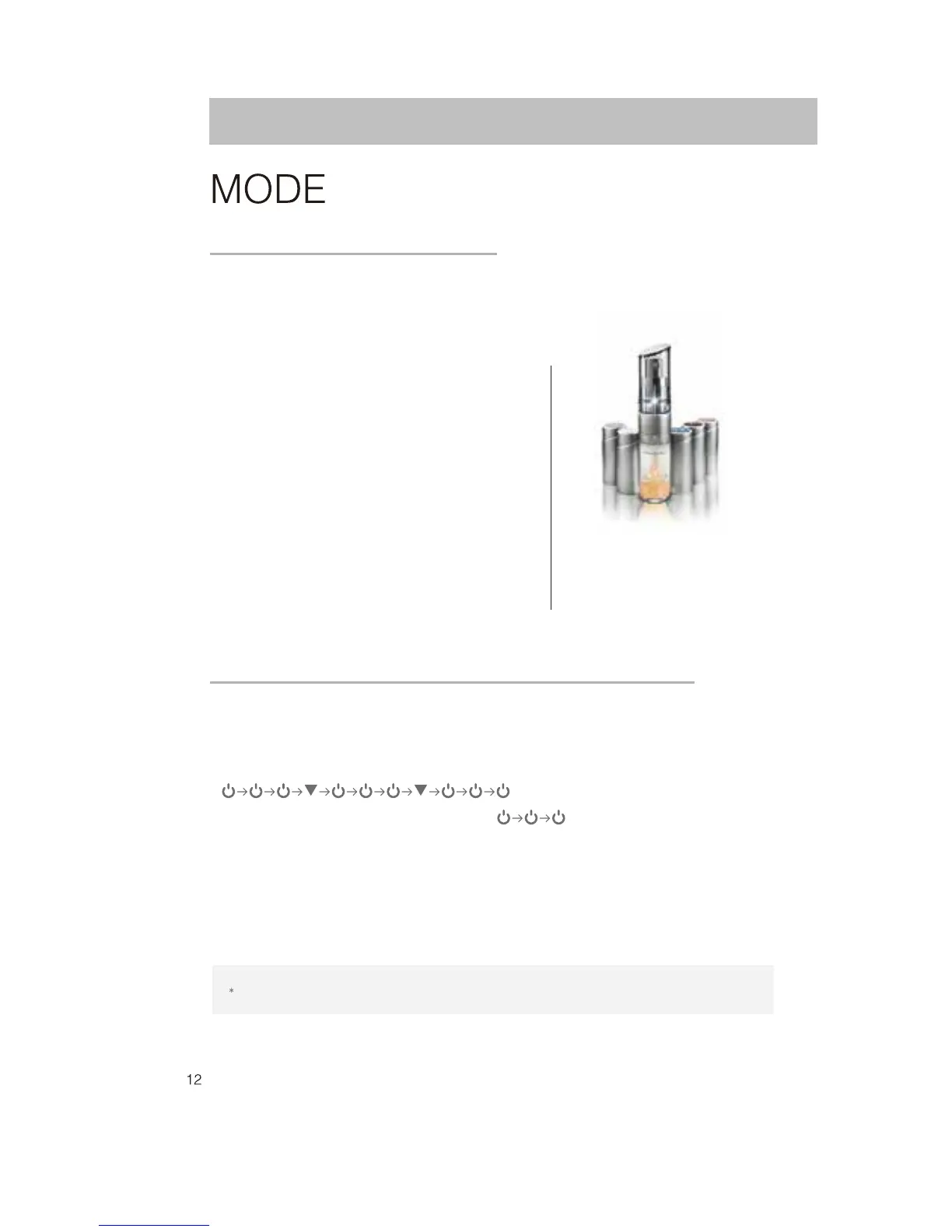
• As soon as the voice “Artistry” comes on, follow the sequence pattern below to activate:
• Press POWER button repeatedly for 3 times.
• Then Swipe ▼ and repeat following the sequence pattern as above.
• Beep sound will come on when entering activation sequence correctly.
• The voice “SIGNATURE SELECT” will come on when this mode is activated.
• After activation, Swipe ▼ after WRINKLE MODE to select SIGNATURE SELECT MODE.
• Swipe ▲▼ to select other modes.
Enter the sequence pattern swiftly in 8 seconds to unlock SIGNATURE SELECT MODE
SIGNATURE SELECT MODE
3D Vibration + (+)Galvanic Ion + Blue/Red/Purple LED
•
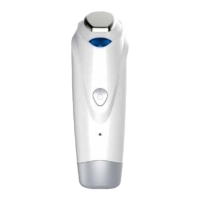
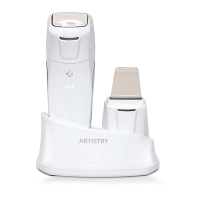
Connect DERMA ION GALVANIC.
• Remove make-up with a cleansing cream or
cleansing foam and rinse.
• Evenly apply ARTISTRY Signature Select
®
Serum
with any combination of 2-3 Amplifiers on skin.
• Select SIGNATURE SELECT MODE and LEVEL.
Gently press the ARTISTRY SKINCARE ENHANCER
on skin and massage in an upward direction.
•
Adjust usage time & number of uses according to
your skin condition.
•
Clean the cosmetics residue on DERMA ION GALVANIC
with a cotton cosmetic pad.
•
Operating Time: 1 minute 30 seconds.
The device will switch off automatically
ARTISTRY Signature Select
®
Serum
Amplifiers : H, B, S, F, W
(Base:121555 / H: 121556 / B: 121557/
S:121560 / F: 121559 / W: 121558)
use with:


 To Next Page
 Loading...