ARTURIA – PROPHET V - MANUAL
25
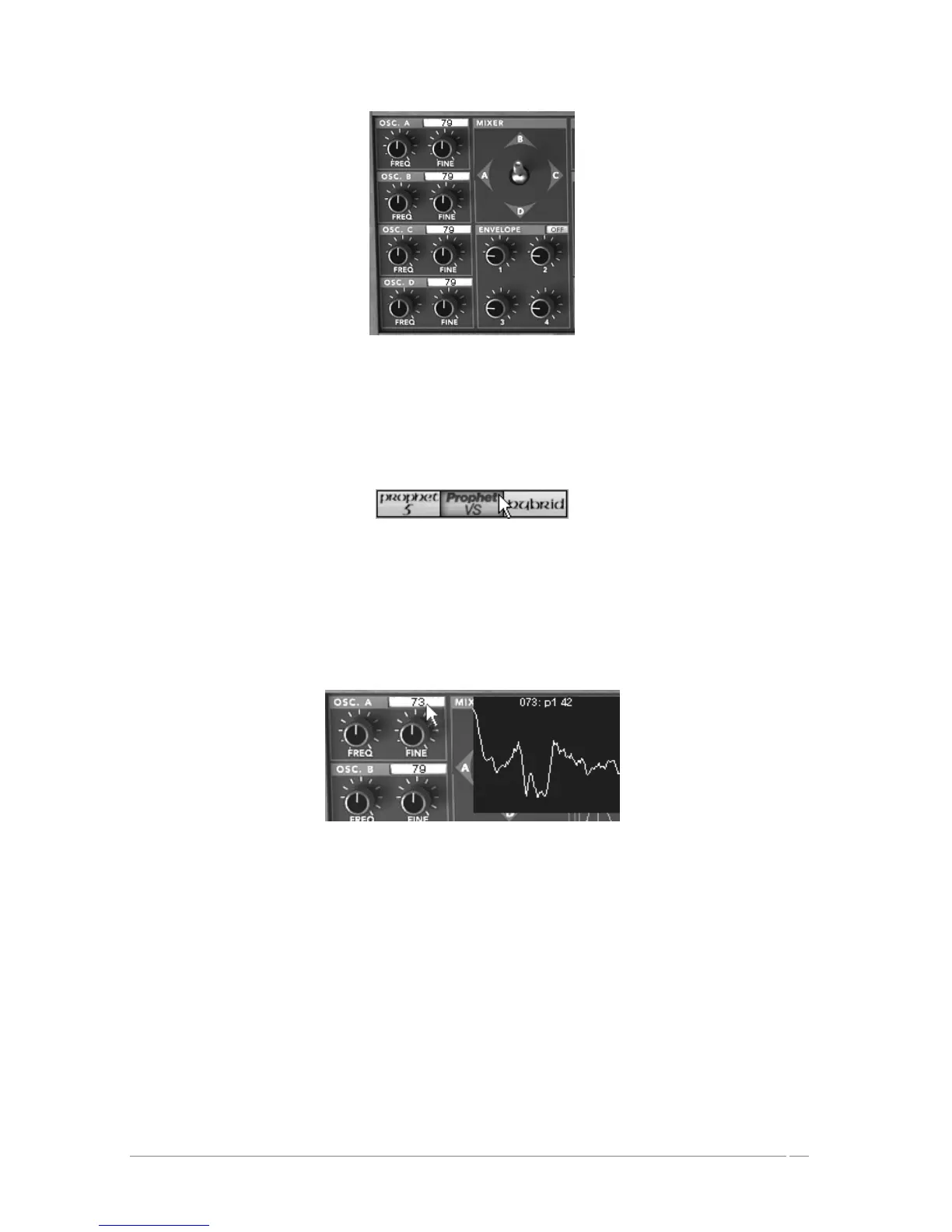
The Prophet VS oscillators and the mixing joystick
3.3.2 Quickly create evolving pad sounds with the Prophet VS:
Click on the « ProVS » icon to load the Prophet VS interface
Click on the Pro.VS icon
Begin by choosing a different wave-form for each of the 4 oscillators. To do this, click on
the selection screen found on each of the oscillators then scroll the mouse up or down to
choose a wave form. You can also scroll down more precisely by right clicking with the
mouse (or “shift/click” on Mac)
Choosing a different wave-form
Once the wave-forms are chosen, progressively move the joystick between four points (A,
B, C, and D). You can hear the timbre changes in the sound in real-time.














 To Next Page