ARTURIA – PROPHET V - MANUAL
46
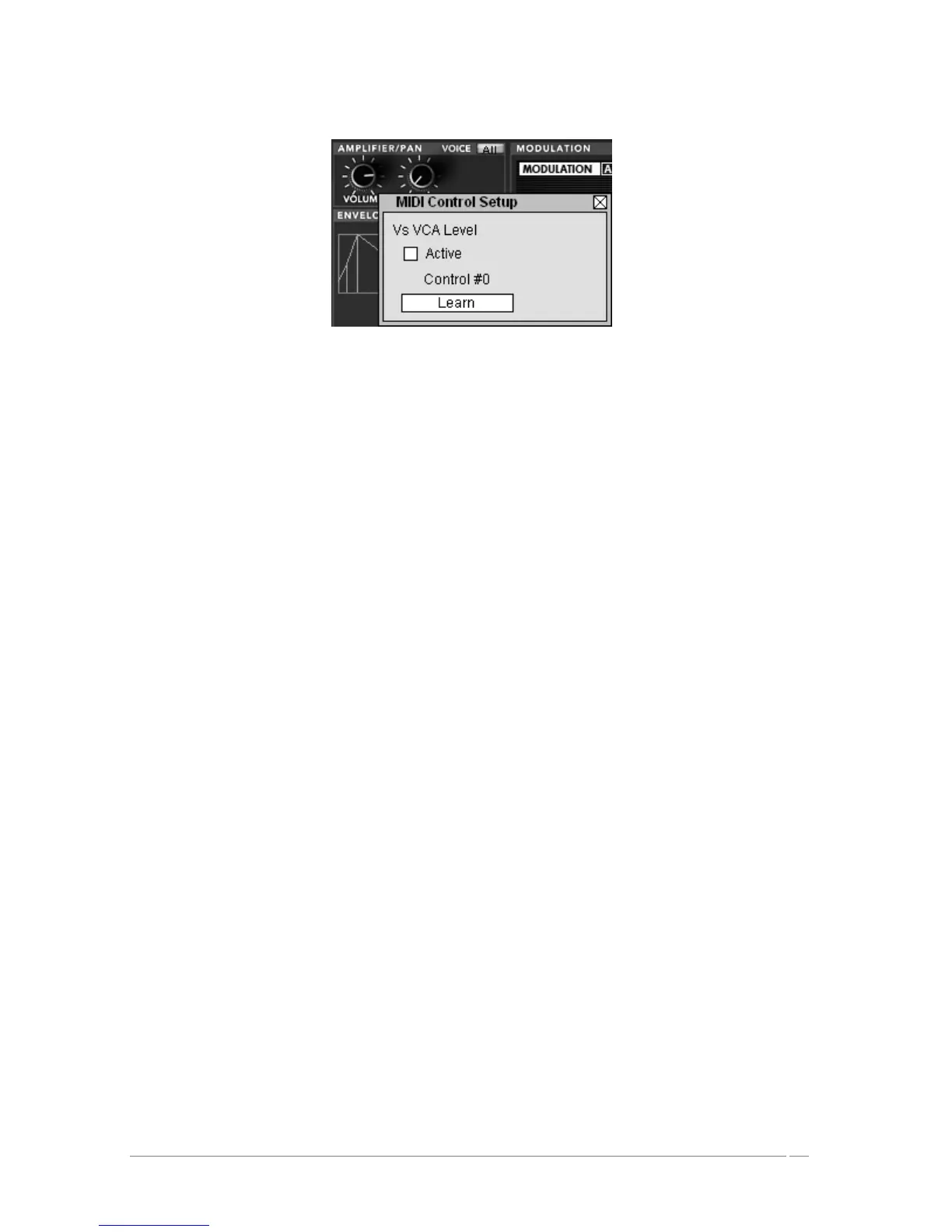
Midi configuration window of a knob
4.3.8 The Preferences Screen
On this screen you can:
• Read the version of the software
• Read the credits
• Activate or deactivate the animations when switching between playing modes
You can also activate or deactivate the pop up indications when scrolling over or selecting a
parameter. “Show control popup when”:
• Mouse Clicks on Control
• Mouse Rests on Control
To open this window click on the plaque of the “PROPHET V” found just above the virtual
keyboard. To close this window, simply re-click on the same plaque.














 To Next Page