ARTURIA – PROPHET V - MANUAL
58
5.2.3 MIXER
The mix can also be dynamically automated by an envelope defining four periods, each of which
corresponds to a position to which the joystick can be programmed.
To activate this envelope, push the “Envelopes” button in the right-hand part of the
synthesizer, then select “Mixer”.
The mixer envelope is composed of four editable points, numbered 1, 2, 3, and 4, the point 0
being considered as a starting point for the joystick.
To position the four points, click on the center of the joystick (the value “4” is indicated at
first) and slide the mouse. From there, the only modifiable parameters are the durations of the
movements of the joystick between each point.
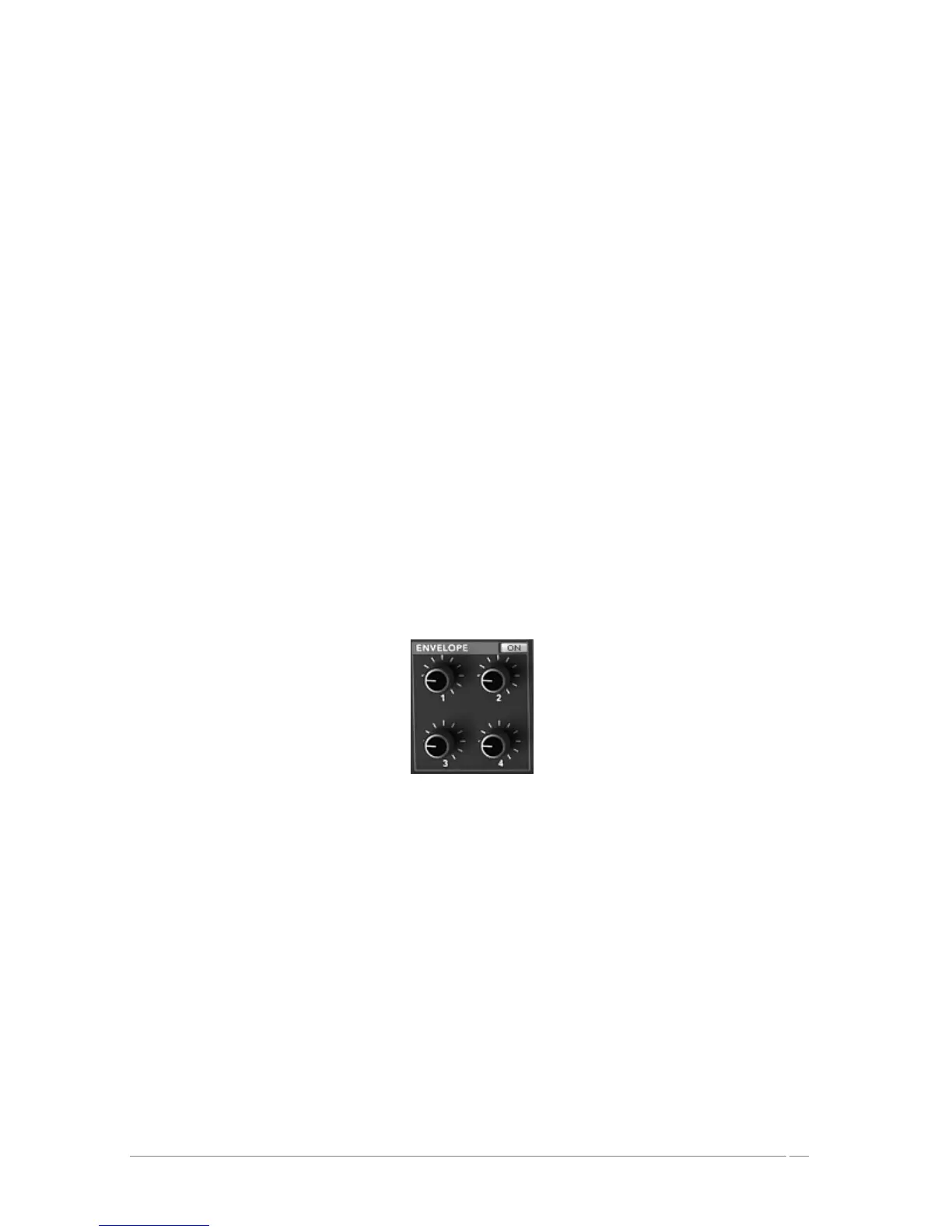
The settings are created by turning one of the four knobs situated in the “ENVELOPE” zone,
above the joystick. The corresponding value appears in one of the four fields found to the right
of the page “ENVELOPE/ MIXER”. You can equally click on the number and slide the mouse up
or down.
ENVELOPE : The envelope automates the movements of the joystick designating a time to
each of the four movements (points 0 to 4) and during the length of a note.
LOOP : The LOOP function applies a loop between to points of the envelope (OFF,
0>3 : 1>3 ; 2>3 or 0<>3 ; 1<>3 ; 2<>3). When the key is released, the loop is
interrupted and the movement cycle of the joystick is finished.
REPEAT : The “REPEAT” function repeats the movement cycle of the joystick (OFF, de
1 to 6 and indefinitely – C-)
Envelope of the Mixer
5.2.4 Types of Filters
The filter of the PROPHET VS offers a “multimode” filter. You will find the low pass filter
24dB/octave slope of the original Prophet VS but also a high pass filter, band pass, and “Notch”.
FILT ENV : manual setting for the amount of modulation by the filter envelope.
CUTOFF : frequency setting of the cutoff filter, tuning at 10 Hz to 25 KHz
RESO : knob setting the filter resonance














 To Next Page