ARTURIA – PROPHET V - MANUAL
61
The graphic editing appears on the LCD screen found to the right of the PROPHET VS.
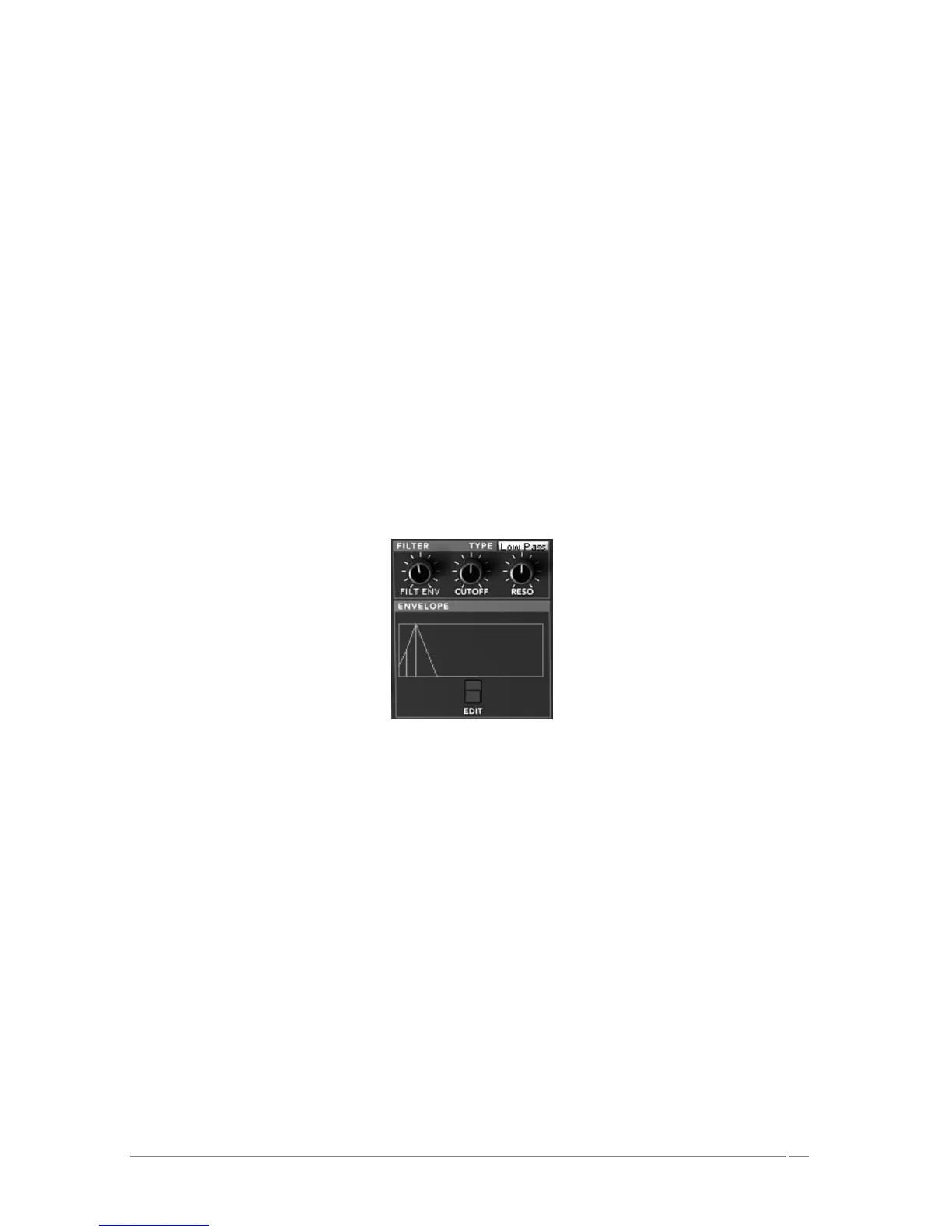
The filter envelope is composed of 5 points ranging from 0 (initial level) to 4 (end of the
release).
A single parameter is offered for point 0 (Level). Points 1 to 4 allow you to set the “Level” and
the “Time” between two points set from 0.00 to 10000ms.
Editing this envelope can be done graphically by clicking on one of the points (0 to 4) and then
sliding the mouse vertically (Level) or horizontally (Time).
The “ENVELOPE” page can be accessed by a tab found on the right of the Prophet VS. Once you
have accessed this page, click on the “FILTER” option.
5 point FILTER : The envelope modulates the cut-off frequency by allocating a Level
and Time to each of the 5 points of the active envelopes during the hold
(points 0 to 3) and the note release (point 4).
LOOP : The Loop function allows you to define a segment found between two
points of the envelope which is meant to be repeated (OFF, 0>3 : 1>3 ;
2>3 or 0<>3 ; 1<>3 ; 2<>3).
REPEAT : The Repeat function repeats the loop a certain number of times (OFF,
de 1 to 6 and indefinitely – C-)
Filter Envelope
5.2.6 AMPLIFIER / PAN
The Amplifier/Pan controls the general volume of the Prophet VS.
A panoramic knob allows you to set the stereophonic placement of a voice (one voice equivalent
to a note played). To choose on of active voices, click on the selection screen found to the right
of the name “Voice”.
VOLUME : setting for the volume of the PROPHET VS’ output signal
PAN : panoramic setting of the selected voice
VOICE : selection screen for the voice














 To Next Page