ARTURIA – PROPHET V - MANUAL
66
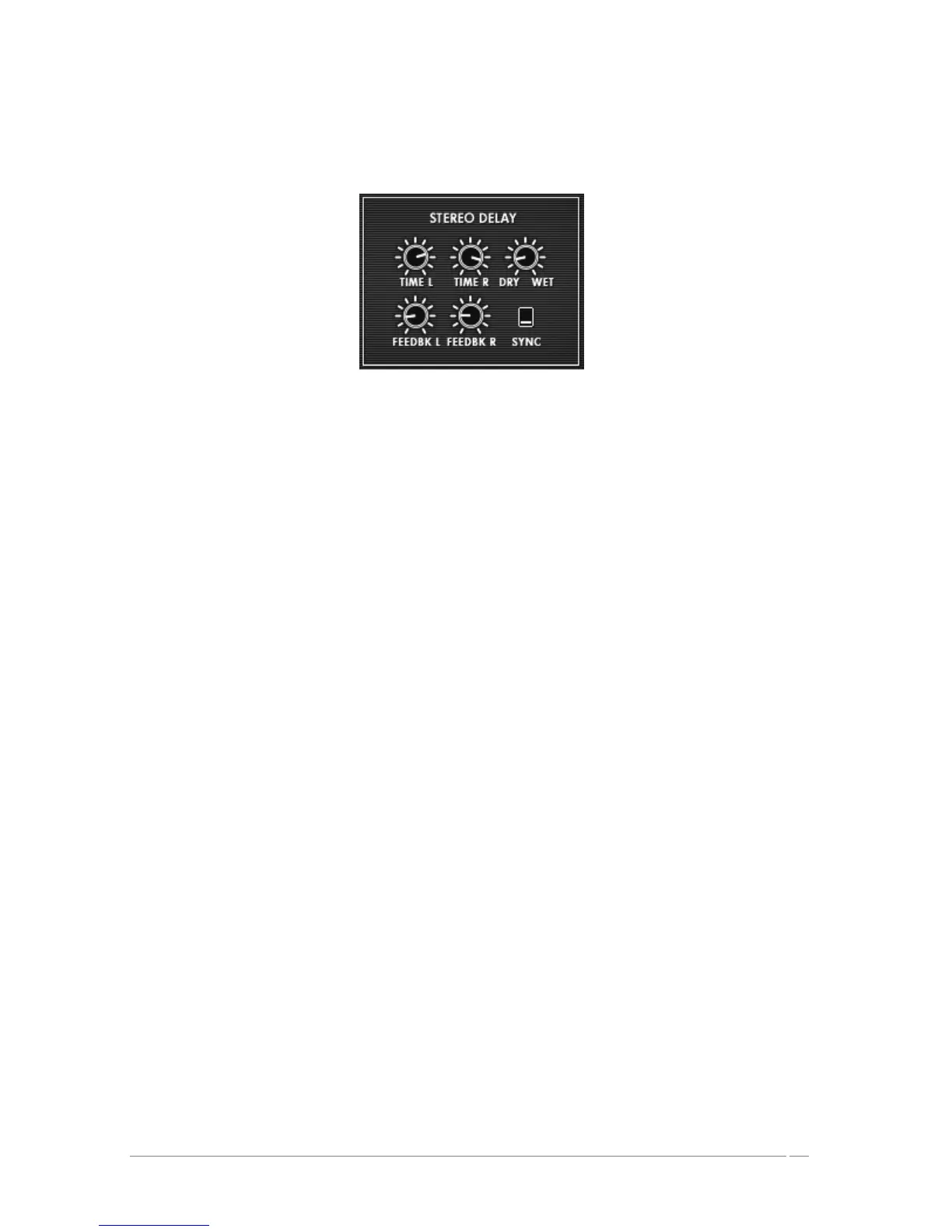
DRY/WET : Balance between the sound with and without effects
SYNC : selection button to synchronize MIDI tempo
The delay
5.2.11 Playing controls
This page gives access to global settings of the Prophet VS (general volume, general tuning,
glide, unison…). You can access it on the screen to the right of the synthesizer by clicking on
the “Play MODES” tab.
The “GLIDE” mode progressively changes the oscillator frequencies each time a new note is
activated.
VOLUME : setting for the general volume of the Prophet VS
TUNE : setting for the general tuning of the synthesizer
UNISON : starts “unison” mode
V. DETUNE : setting to detune the polyphonic voices
HOLD : button to start the hold mode
LEGATO : allows one to play in a legato style (can be activated only in the monophonic
playing mode)
GLIDE : setting for the glide time
Glide Modes : positions for the glide mode
• OFF
• ONN
• LEGATO – This is active only in monophonic playing mode














 To Next Page