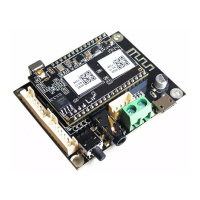
8.2.2 Connection via LAN
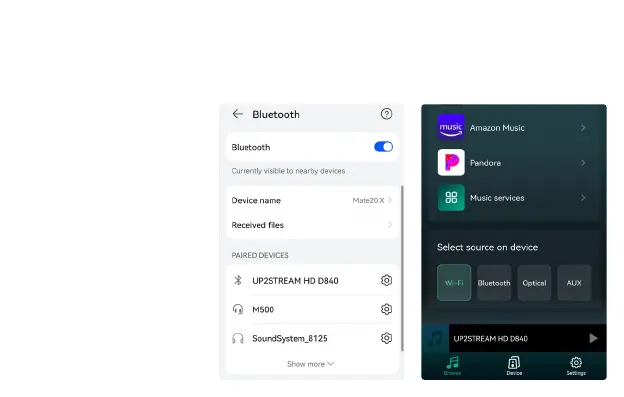
8.2.3 Bluethooth
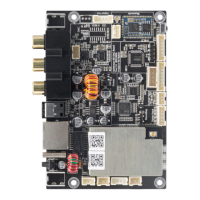
Plug in the wired cable to the RJ45 Ethernet, the device will show on the app in about 10 seconds.
(Note: The mobile phone and the device must be in the same network)
To use Bluetooth, please swtich
to bluetooth via app or by remote
controller, then nd bluetooth
device
UP2STREAM HD_XXXX
from your phone bluetooth setting
and pair it .


 To Next Page