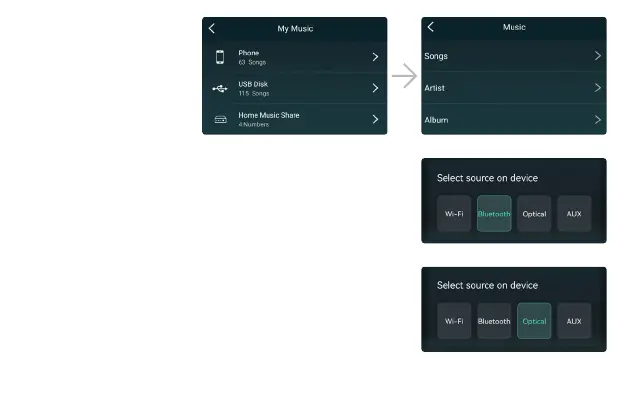
Please note that our system only
support NAS with DLNA feature.
Choose the Bluetooth mode on the application or remote control, the
LED will change to blue.
Open the Bluetooth on your mobile device.
Pair the device Bluetooth (Up2stream HD) and play.
Once you connect external AUX in or Optical in connector through
specic PINs, you can choose AUX or Optical mode on the application or
remote control to play sound from
the audio source connected.
8.3.3 To Play Music From NAS
8.3.4 To Play Bluetooth Mode
8.3.5 To Play Optical or AUX in Mode


 To Next Page