EasyManua.ls Logo

ASA Electronics Jensen Heavy Duty JHD910BT - User Manual

ASA Electronics Jensen Heavy Duty JHD910BT
16 pages
Print Icon
To Next Page IconTo Next Page
Loading...
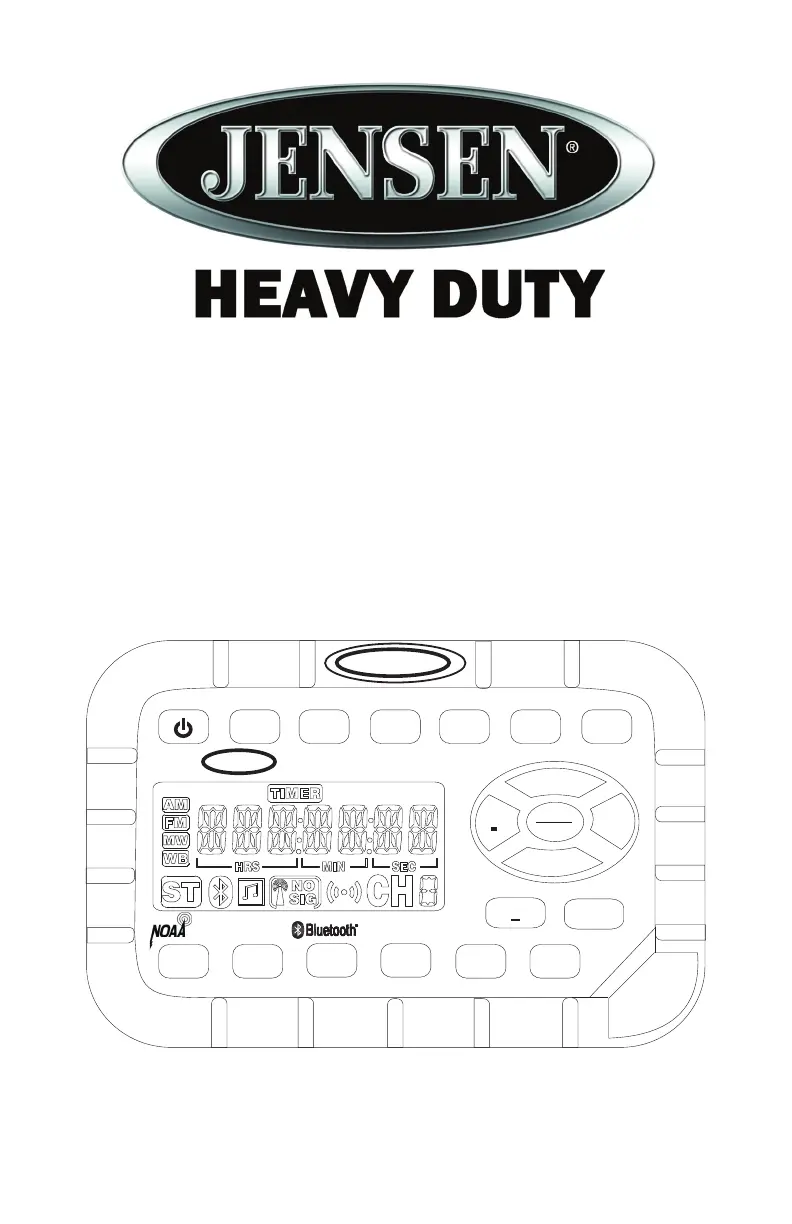
JENSEN
HEAVY DUTY
JENSEN
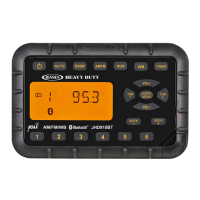
MUTE
DISP
AM/FM
AUX
WB
TIMER
AM/FM/WB
JHD910BT
AUDIO
MENU
VOL+
VOL-
TUN TUN
+
1
234
5
6
SEEK
SEEK
+
A
U
X
I
N
JHD910BT
Owner’s Manual

Questions and Answers

  • T
    Taylor ShawJul 28, 2025
    What to do if my ASA Electronics Receiver has no power?
    • A
      Andrew LunaJul 28, 2025
      If your ASA Electronics Receiver has no power, there are a couple of things to check. First, if the power supply is connected to the vehicle accessory circuits, make sure the ignition key is switched to “ACC”. Also, check the 3A fuse and replace it if it's blown.
  • R
    Robert JacobsAug 2, 2025
    How to fix an ASA Electronics Jensen Heavy Duty JHD910BT when the radio does not work?
    • H
      Haley NguyenAug 2, 2025
      If the radio on your ASA Electronics Receiver isn't working, the antenna cable might not be connected properly. Make sure to insert the antenna cable firmly.
  • E
    Elizabeth ChangAug 7, 2025
    What to do if the volume is too high or too low on my ASA Electronics Receiver?
    • V
      Virginia CamposAug 8, 2025
      If the volume on your ASA Electronics Receiver is either too high or too low when you turn on the radio, the preset volume might be set incorrectly. You can use the Menu adjustment to change the preset volume to your desired level.
  • C
    curtisrobertAug 12, 2025
    Why is there no WB function on my ASA Electronics Receiver?
    • R
      Ryan SheppardAug 12, 2025
      If the WB (Weather Band) function isn't working on your ASA Electronics Receiver, it might be because the region is programmed to “European”. You should set the Region to “USA” in the setup menu.
  • C
    Christopher HallAug 17, 2025
    What to do if the LCD display on my ASA Electronics Jensen Heavy Duty JHD910BT Receiver is dark?
    • A
      Andrea MontesAug 17, 2025
      If the LCD display on your ASA Electronics Receiver is dark and difficult to read, it might be because the radio is too hot. Turn the radio off and allow it to cool down.
  • K
    Kristy ReedAug 22, 2025
    What to do if the Weather Alert function doesn't work on my ASA Electronics Jensen Heavy Duty JHD910BT Receiver?
    • H
      Hannah HernandezAug 22, 2025
      If the Weather Alert function isn't working on your ASA Electronics Receiver, the Weather Alert might be programmed to “off”. Set the Weather Alert to “on” in the setup menu.

Summary

Installation

Wiring

Wiring Connections and Diagram

Illustrates antenna, audio, and speaker connections via diagrams and pinouts.

Power Wire Connection Note

Advises connecting the red wire to switched power (IGN or ACC).

Basic Operation

Operational Functions

System Menu Settings

Covers adjusting system settings via the menu, including Bluetooth.

Tuner Operation

Preset Stations

Storing and Recalling Stations

Explains how to save and retrieve radio stations using preset buttons.

Bluetooth Operation

Pairing a Bluetooth Device

Step-by-step guide to connecting a Bluetooth device for the first time.

Bluetooth Device Connection

Completing Pairing Process

Details entering the code and confirming successful pairing.

Weather Band Operation

NOAA Weather Alert Function

Details the alert function, its behavior, and settings.

Troubleshooting

Common Problems and Solutions

Lists issues like no power, no reception, and provides corrective actions.

ASA Electronics Jensen Heavy Duty JHD910BT Specifications

General IconGeneral
TypeHeavy Duty Receiver
BluetoothYes
USB PortYes
AM/FM RadioYes
Weather BandYes
Aux InputYes
Water Resistant/WeatherproofYes
Source TypeBluetooth/AM/FM
DisplayLCD