Frequently Asked Questions
Page 6
Ethernet Questions
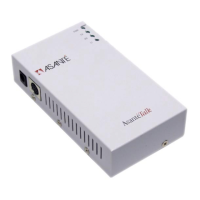
Q: What do the LED’s (lights) on my AsantéTalk mean?
A: There are 4 LED’s on the AsantéTalk to help you with
diagnostics. The solid power LED shows the unit is
receiving power. The solid green LI (or Link Integrity)
LED indicates that a valid connection has been made
between the AsantéTalk and another Ethernet device.
The RX and TX LED’s blink when traffic is received
from (RX) or transmitted to (TX) the Ethernet portion
of the network.
Q: Why isn’t there a solid green LI light on after I’ve
plugged in my Ethernet cable?
A: There may be at least 2 reasons: 1.), you are using the
wrong cable. The yellow cable must be used to attach
the AsantéTalk to an Ethernet computer such as the
iMac. The Silver cable must be used to attach the
AsantéTalk to an existing Ethernet network. 2.), the
cable may be defective or the wrong type. If possible,
use the appropriate cable supplied with your
AsantéTalk. If not, use a standard IEEE Ethernet Cate-
gory 3 or 5 Ethernet cable.
Q: Is the Localtalk topology style different from Ethernet
topology?
A: Yes. Localtalk topology employs a “bus” or “daisy
chain” wiring scheme. Ethernet employs a “star” wir-
ing scheme.


 To Next Page