3. Package Accessories
Articles Quantity Articles Quantity
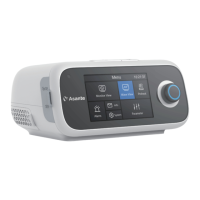
Host
Humidifier Water Tank
Power Cord and Adapter
SD Card
Carrying Case
Tube
Filter
User Manual
SpO
2
Kit (Optional)
Mask (Optional)
Heated Breathing Tube (Optional)
1 2
1 1
1 1
1 1
1
1
1
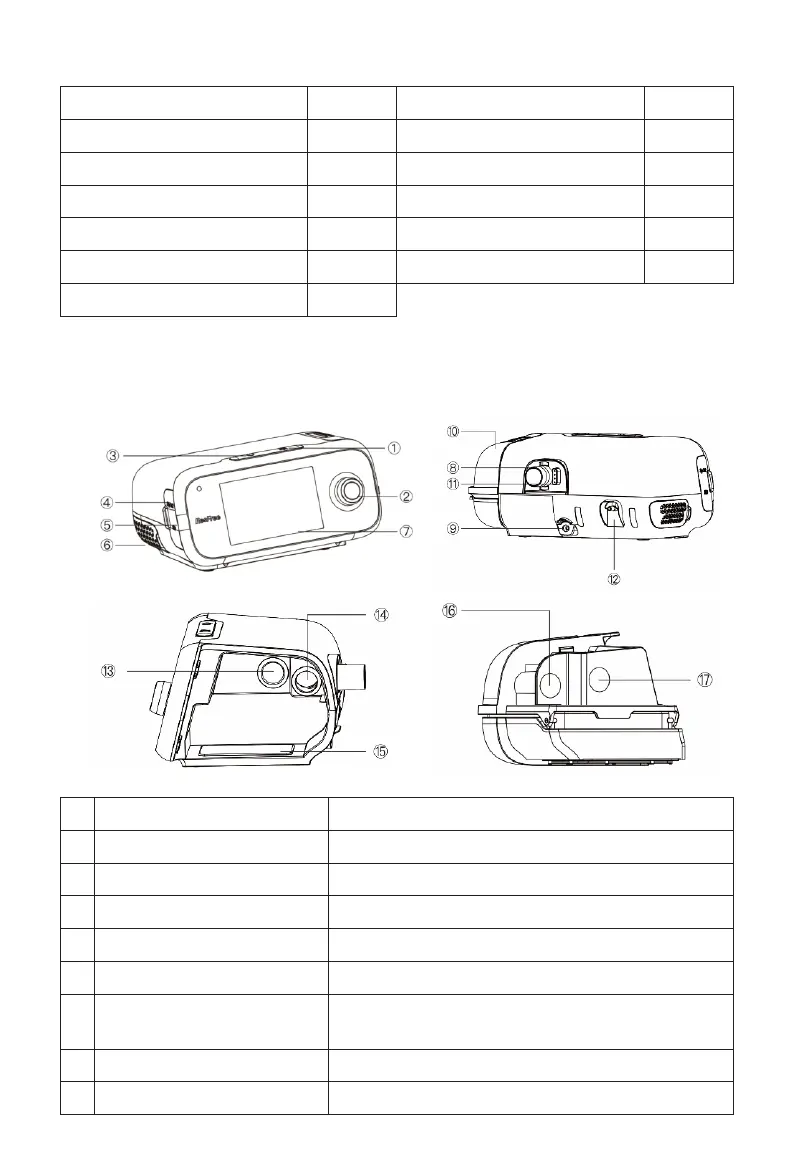
1 Mute Press this button to turn off the voice alarm
2 Knob Can be rotated in either direction or pressed to select
3 ON / OFF Button Press this button to start or stop ventilation
4 SpO
2
Port This is the connection point for the SpO
2
Kit
5 SD Card Slot This is the port where a SD card is inserted
6 Air Inlet The air filter is placed in this air inlet port
7 Display Screen 5 inches screen for R series, and 3.5 inches
screen for F series
8 Air Outlet This is the connection port for the tubing
9 Power Port This is where the cord from the adapter is connected
4. Device Components
35


 To Next Page
 Loading...