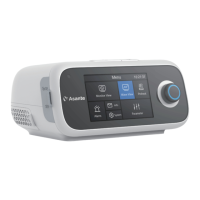
10 Water Tank It can be added with water for humidification
11 Heated Tube Connector This the connection port for heated breathing tube
12 Oxygen Inlet Low pressure oxygen source connection port
13 Host Gas Output The gases delivered from host, entering into
water tank for humidification
14 Host Humidified Gas Output The humidified and warmed gases outlet
delivered from water tank
15 Heating Plate It can heat the water tank
16 Water Tank Air Outlet It is the outlet of the air in water tank
17 Water Tank Air Inlet It is the inlet of the air in water tank
Do not remove the Knob. The metal rod in the Knob may contact an external current source,
causing damage to the host. If the Knob falls off, you may contact the dealer or the
manufacturer to purchase a new Knob.
In case of button failure, you may contact the dealer or manufacturer for help.
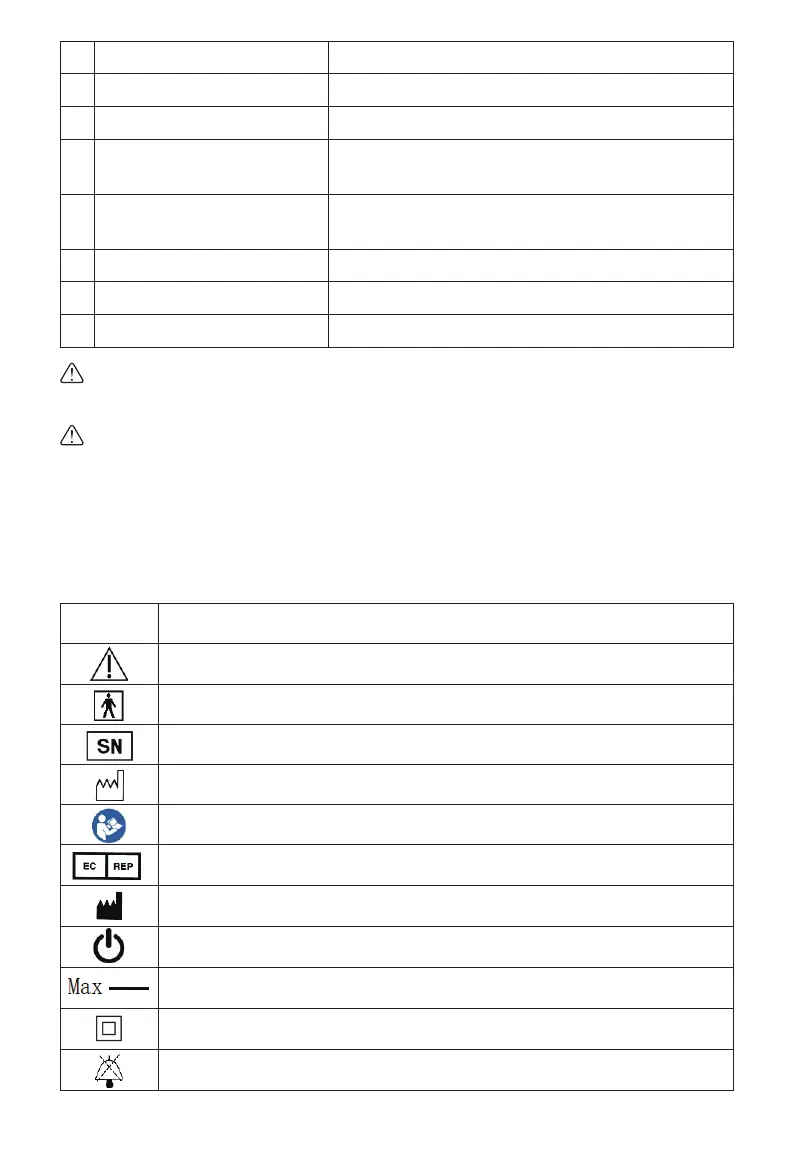
5. Device Symbols
The symbols below will be shown on the device during operation. Please read the following table
carefully before operation.
Warnings, Cautions
Type BF applied part
Serial number of the product
Date of the product
Follow instructions for use
The authorized EU-representative
Information of manufacture
Turn On / Off
Max water line
Symbol Denition
Class II device
Sound pausing
36


 To Next Page
 Loading...