Rev 3 Page 56
Take the characteristic readings:
If triggered, respond to exception condition:
1. Use the select key to return to the setups menu and open Training 2. Follow the prompts on
the 600 and collect at least two subgroups of data.
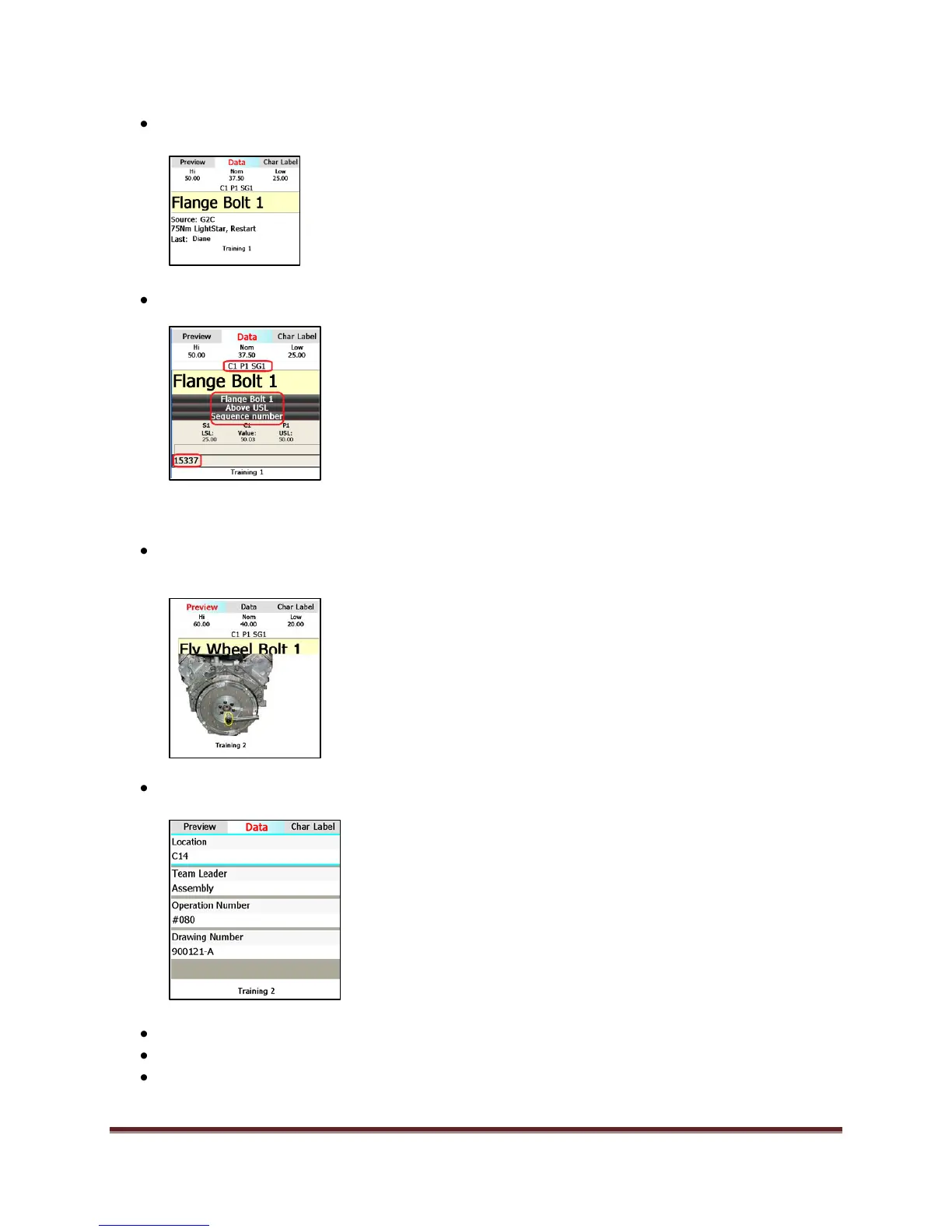
When collecting characteristic data, select the Data key to see the image you attached to the
characteristic:
Select Data again to review the characteristic descriptors for this characteristic:
Press the View key to bring up a control chart (preference view option 1)
Press Shift and View to bring up a histogram (preference view option 2)
Press the View key to select a torque curve


 To Next Page
 Loading...