19
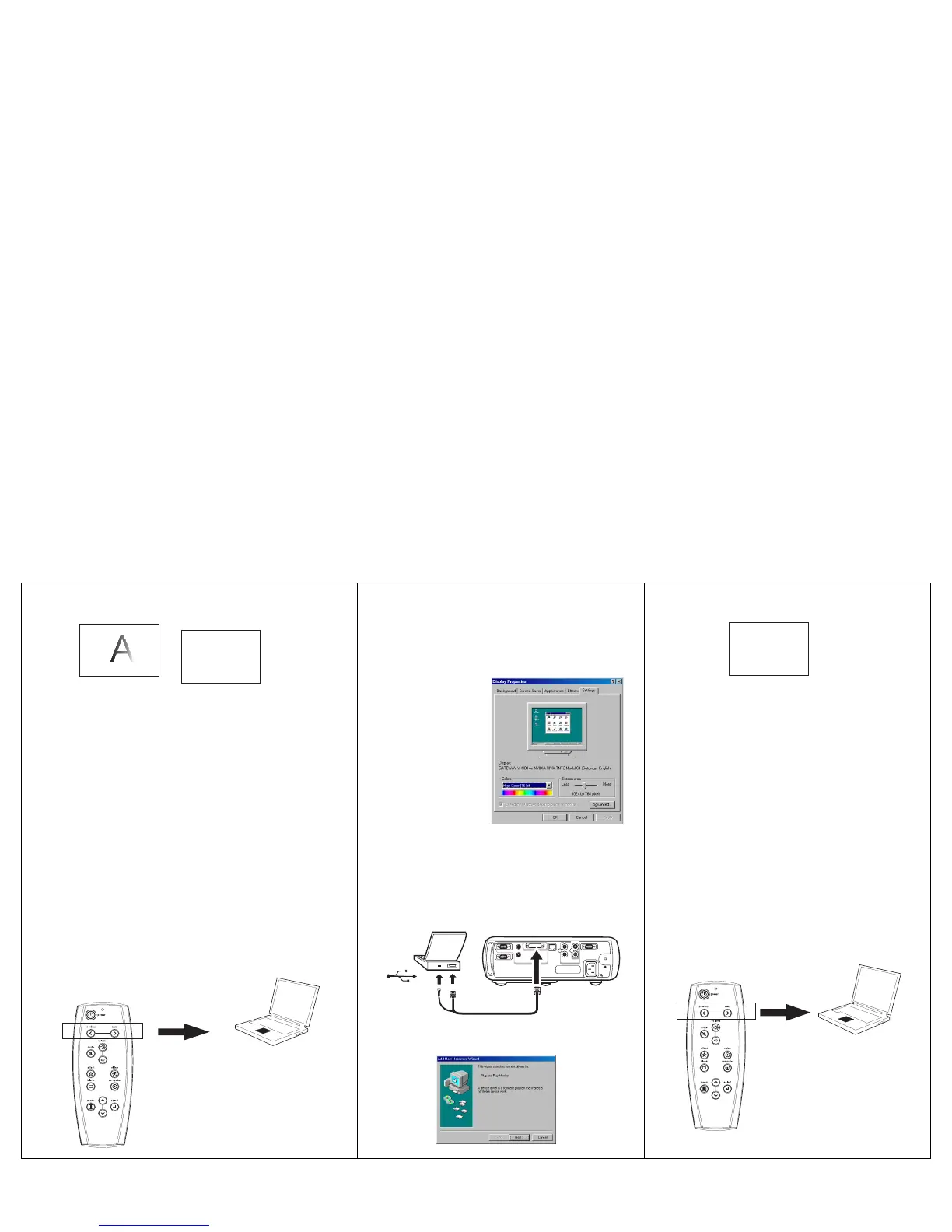
Image fuzzy or cropped
Set your computer’s display resolution to
the native resolution of the projector
(Start>Settings>Control
Panel>Display>Settings tab, select
1024x768)
Image clear and not cropped
Remote control not advancing PowerPoint slides
Connect USB cable (page 7) then load USB
drivers, if needed (page 10).
Remote advances slides
See page 25 for information on the remote
A
AA
For a laptop,
disable laptop
monitor
or turn-on dual-
display mode
A
X
computer 2
network
monitor out
audioout
audioin
L
audio in
serial control
computer in
computer 1
video 2
video in
R
S-video 1



 To Next Page