EasyManua.ls Logo

Ask Proxima C3000 Series - User Manual

Ask Proxima C3000 Series
63 pages
Print Icon
To Next Page IconTo Next Page
Loading...
Model: C3000 Series
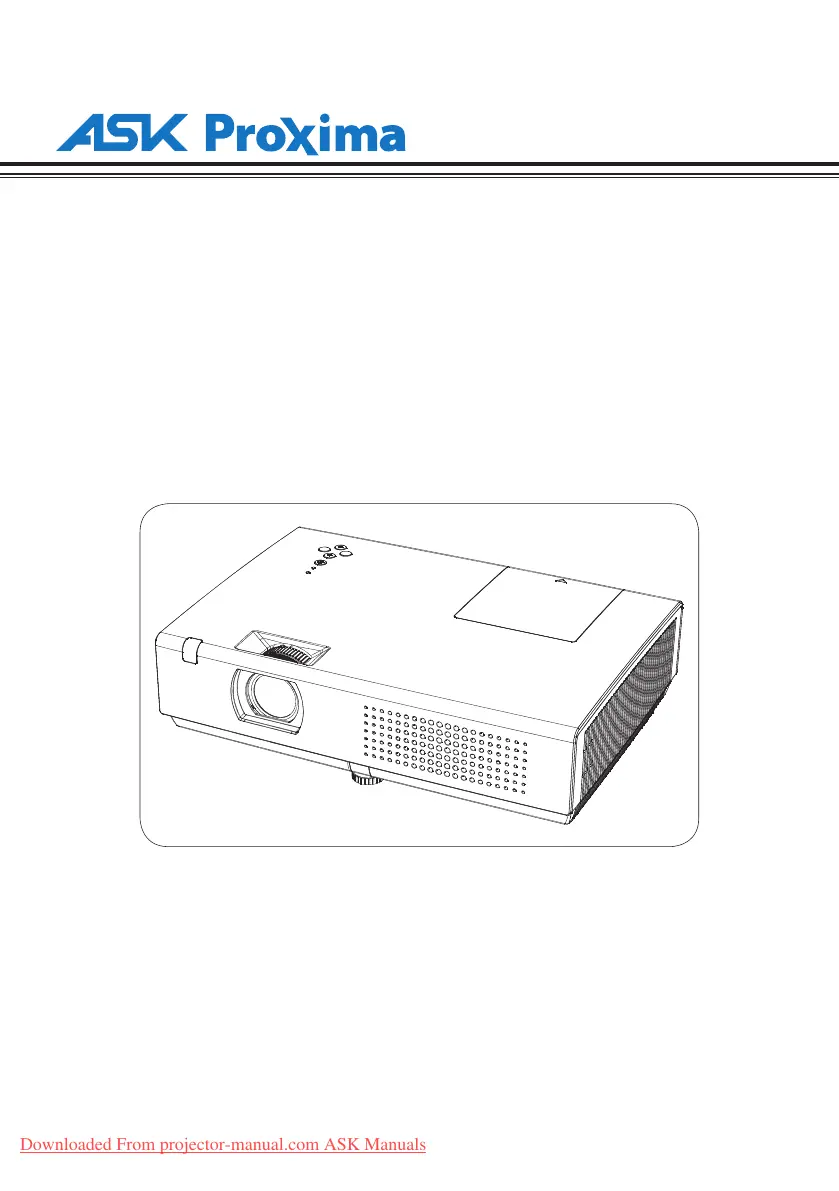
LCD Multi-Media Projector
P/N: 4100568500
Downloaded From projector-manual.com ASK Manuals

Table of Contents

Questions and Answers

  • P
    pateldanaAug 12, 2025
    What to do if the service life of the lamp is over in Ask Proxima C3000 Projector?
    • A
      Autumn Lynch MDAug 12, 2025
      If the lamp in your Ask Proxima Projector has reached the end of its service life, you should replace it with a new one as soon as possible.
  • M
    Michael SandovalAug 19, 2025
    Why is the WARNING indicator light red on my Ask Proxima C3000?
    • J
      joy85Aug 19, 2025
      When the WARNING indicator lights red on your Ask Proxima Projector, it means the lamp is nearing the end of its life. You should promptly replace the lamp with a new one.
  • G
    gconnerAug 27, 2025
    What to do if Ask Proxima C3000 Projector can’t be turned on because error is detected?
    • T
      thomasrobertAug 27, 2025
      If your Ask Proxima Projector can’t be turned on due to a detected error, unplug the power cord, then reinsert it and try powering it on again. If the projector shuts down again, disconnect the power and contact your local distributor or a repair center.
  • D
    David MitchellSep 2, 2025
    How to fix Ask Proxima C3000 Projector when internal temperature is too high and it can’t be turned on?
    • Q
      qsmithSep 2, 2025
      If the internal temperature of your Ask Proxima Projector is too high and it can’t be turned on, wait for it to cool down. Once the temperature returns to normal, the POWER indicator will light red, and you can then turn on the projector.

Ask Proxima C3000 Series Specifications

General IconGeneral
BrandAsk Proxima
ModelC3000 Series
CategoryProjector
LanguageEnglish

Related product manuals