28
PC Adjust
Some computers employ special signal formats which may not be tuned by Multi-scan system of this
projector. Manual PC Adjustment is provided for you to precisely adjust several parameters to match
those signal formats. The projector has five independent memory areas to store those parameters
manually adjusted, which allows you to recall the setting for a specic computer.
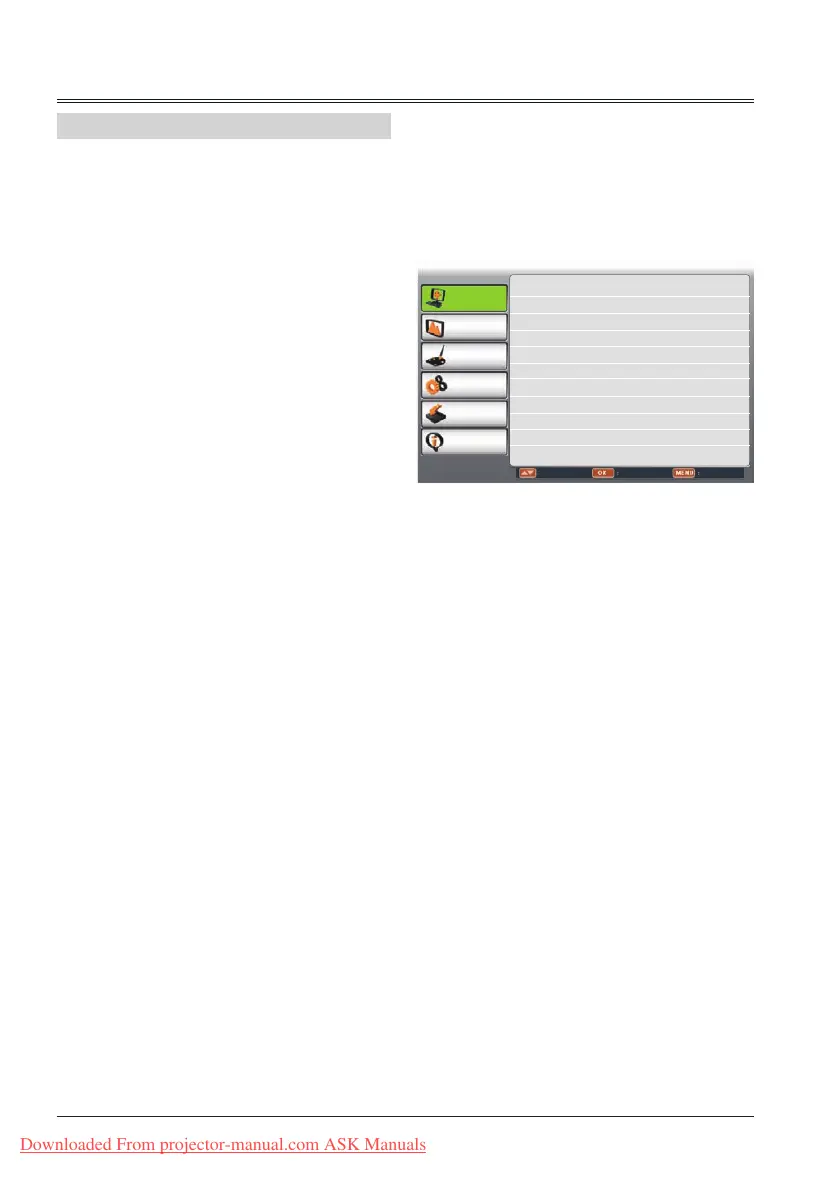
1 Press MENU button on remote control to
display screen menu. Press
butto to
select PC adjust,then press OK button.
2 Press
button to select the item you
want to adjust ,then
button to adjust
the data.
Manual PC adj. menu
PC adjust
Display
Color adjust
Setting
Expand
Info.
Move Next Exit
Auto PC adj.
Fine sync 16
Total dots 1056
Horizontal 216
Vertical 27
Display area H 800
Display area V 600
Reset
Mode free
Store
Manual PC adj.
Fine sync
To cut off icker from the image displayed by
pressing
to adjust the value.(from 0 to 31).
Total dots
Press
to adjust the total dots for a cycle so
that it can match the image on computer.
Horizontal
Press
to adjust the horizontal picture
position.
Vertical
Press
to adjust the vertical picture position.
Clamp
Press
to adjust the clamp level. When
the image has dark bars, try this function for
adjustment.
Display area H
Press
to adjust the horizontal area displayed
by the projector.
Display area V
Press
to adjust the vertical area displayed by
the projector.
Reset
To reset the adjusted data, select Reset and press
OK . A conrmation box appears and then select
Yes. All adjustments will return to their previous
gures.
Mode free
To clear the adjusted data, select Mode free and
then press
or OK .Move
or OK to highlight
the Mode you want to clear and then press OK.
Store
To store the adjusted data, select Store and then
press
or OK. Move the red arrow indicator to
one of the Mode 1 to 5 in which you want to store,
and then press OK.
√ Note:
If you select 480i, 576i, 480p, 576p, 720p or
1080i from the system menu, the functions of
both horizontal image and vertical image will be
disabled.
Downloaded From projector-manual.com ASK Manuals



 To Next Page