21
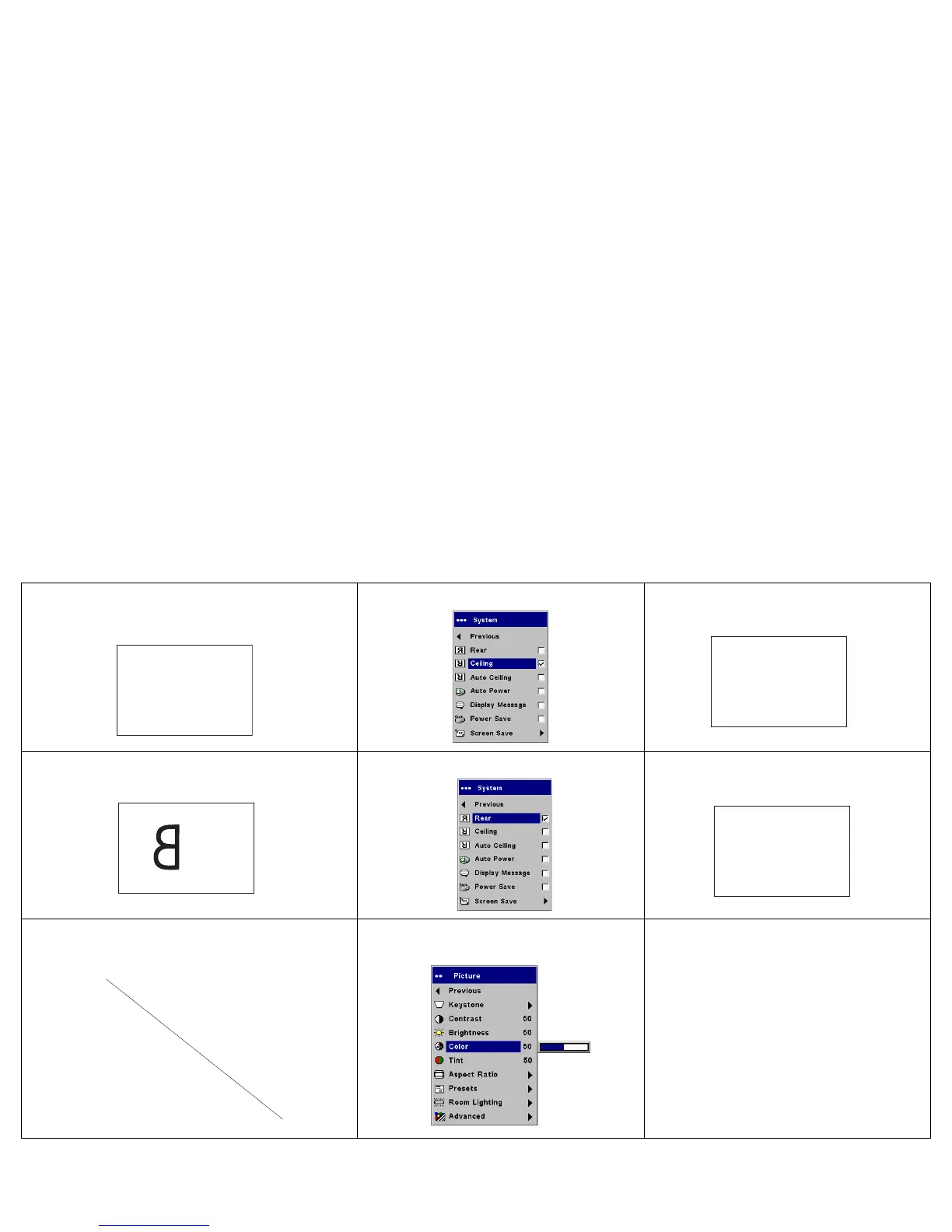
Image upside down
Turn off Ceiling in Settings>System menu
Correct image
Image reversed left to right
Turn off Rear in Settings>System menu
Correct image
Projected colors don’t match source
Adjust color, tint, color temperature,
brightness, contrast in the menus
Correct image
A
B
AB
A
AB
COLOR
COLOR



 To Next Page