34
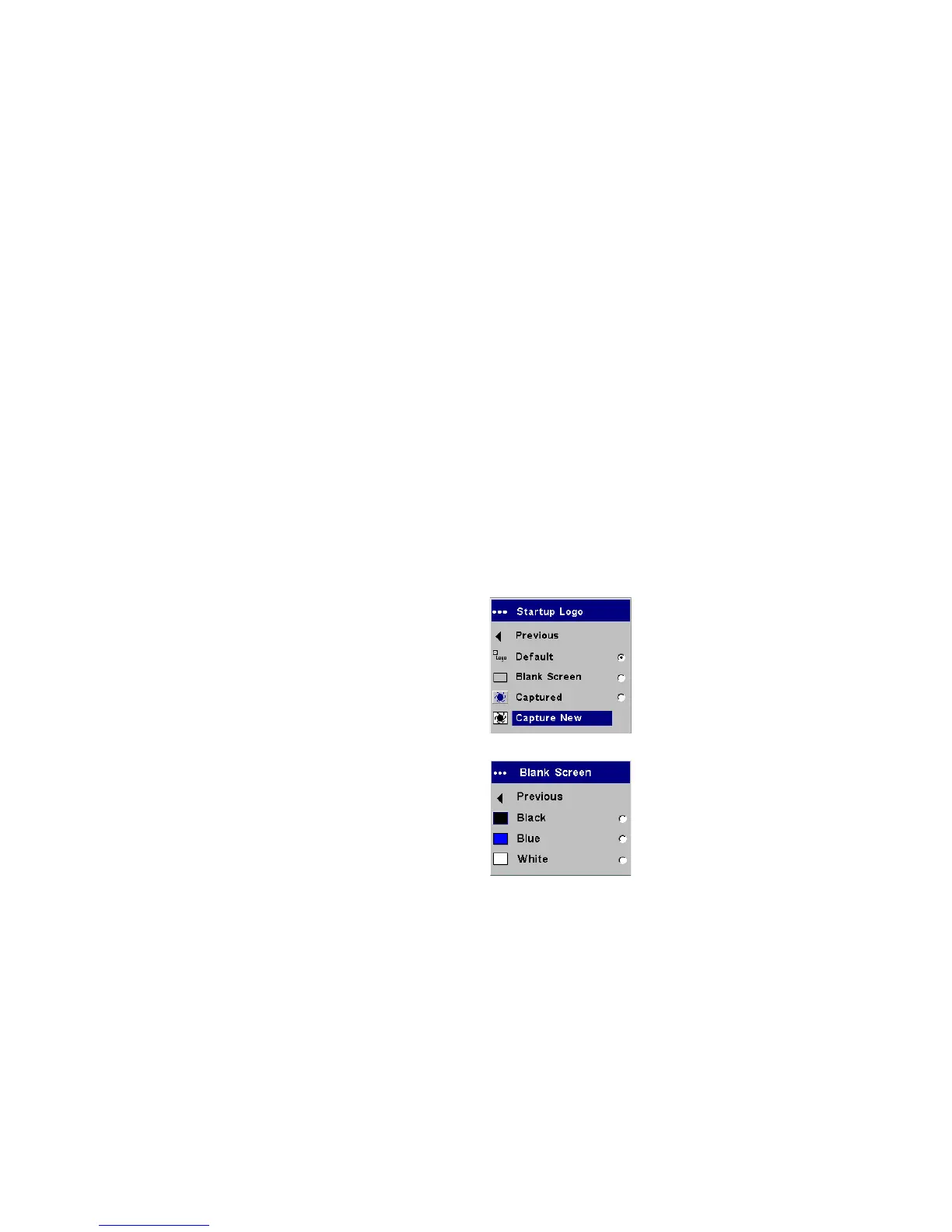
Startup Logo: allows you to display a blank Black, White, or Blue screen
instead of the default screen at startup and when no source is detected. It
also allows you to capture and display a custom startup screen.
To capture a custom logo, display the image you want to capture on your
computer, highlight Capture New, then press Select twice. While the cap-
ture is underway, the LED on the keypad turns orange. When ready, the
projector confirms the capture and the LED changes to green.
The next time you start the projector, the custom logo you captured dis-
plays.
Blank Screen: determines what color is displayed when you press the
Blank button on the remote.
Startup Logo
Blank Screen



 To Next Page