31
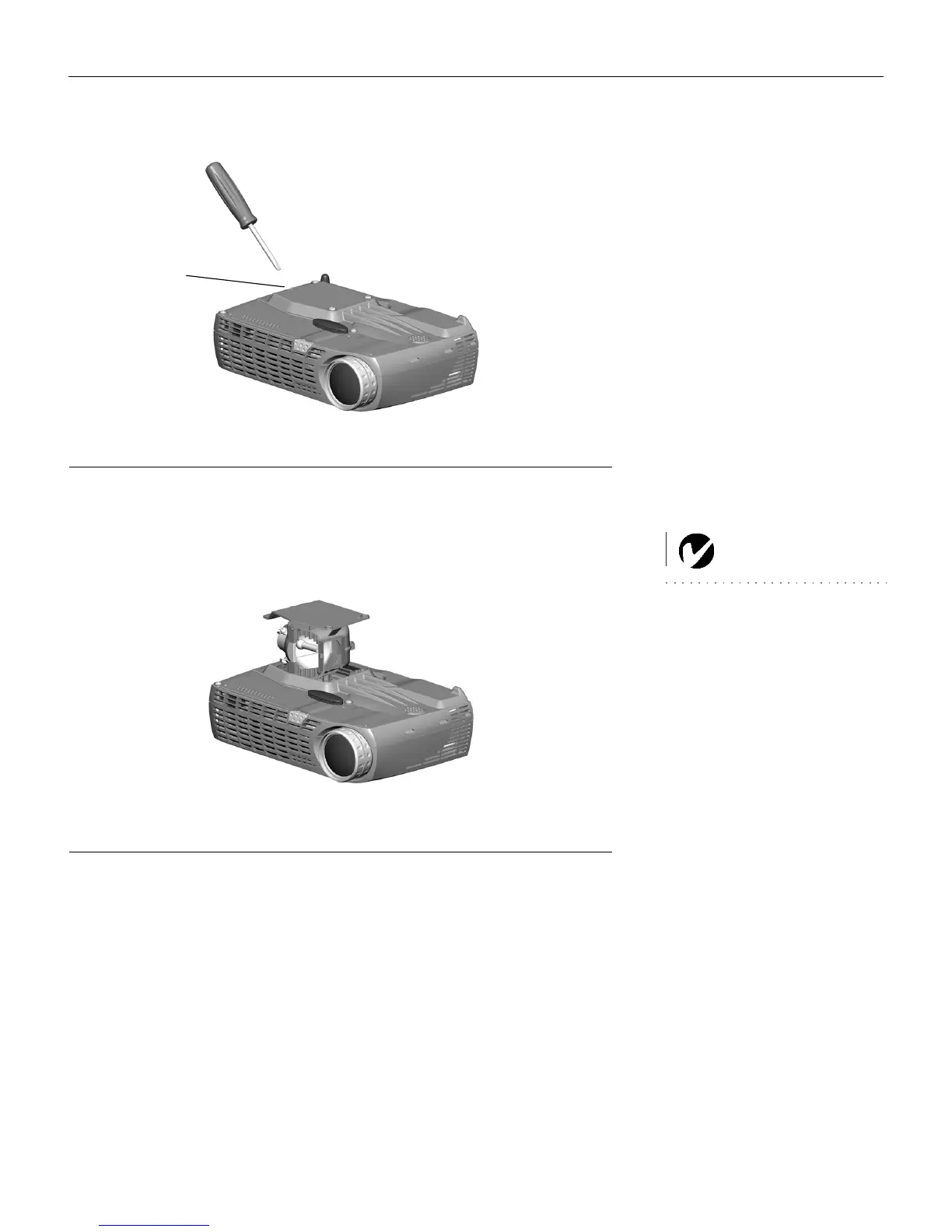
FIGURE 25
Inserting the screwdriver into the lamp housing tab
5 Carefully remove the lamp housing. Dispose of the lamp in an
environmentally proper manner.
WARNING: Do not drop the
lamp module or touch the glass
bulb! The glass may shatter and
cause injury.
F
IGURE 26
Removing the lamp housing
6 Install the new lamp housing. Be careful to attach the connec-
tor on the lamp housing to the connector inside the projector.
These connectors are located near the leveling foot.
7 Tighten all three screws.
8 Plug in the power cord, then press the
Power button to turn
the projector back on.
9 To reset the lamp hour timer, navigate to the Setup/Service
menu and choose Reset lamptimer. See page 26 for details on
the Service menu.
tab
M2+.book Page 31 Thursday, April 8, 2004 8:10 AM



 To Next Page