EN 17
Choosing the settings
Each cooking system features basic or default settings which can be adjusted.
Adjust the settings by pressing the relevant key (before pressing the START/STOP key).
Some settings are not available with some programs; an acoustic signal will remind you of such
cases.
CHANGING THE COOKING TEMPERATURE
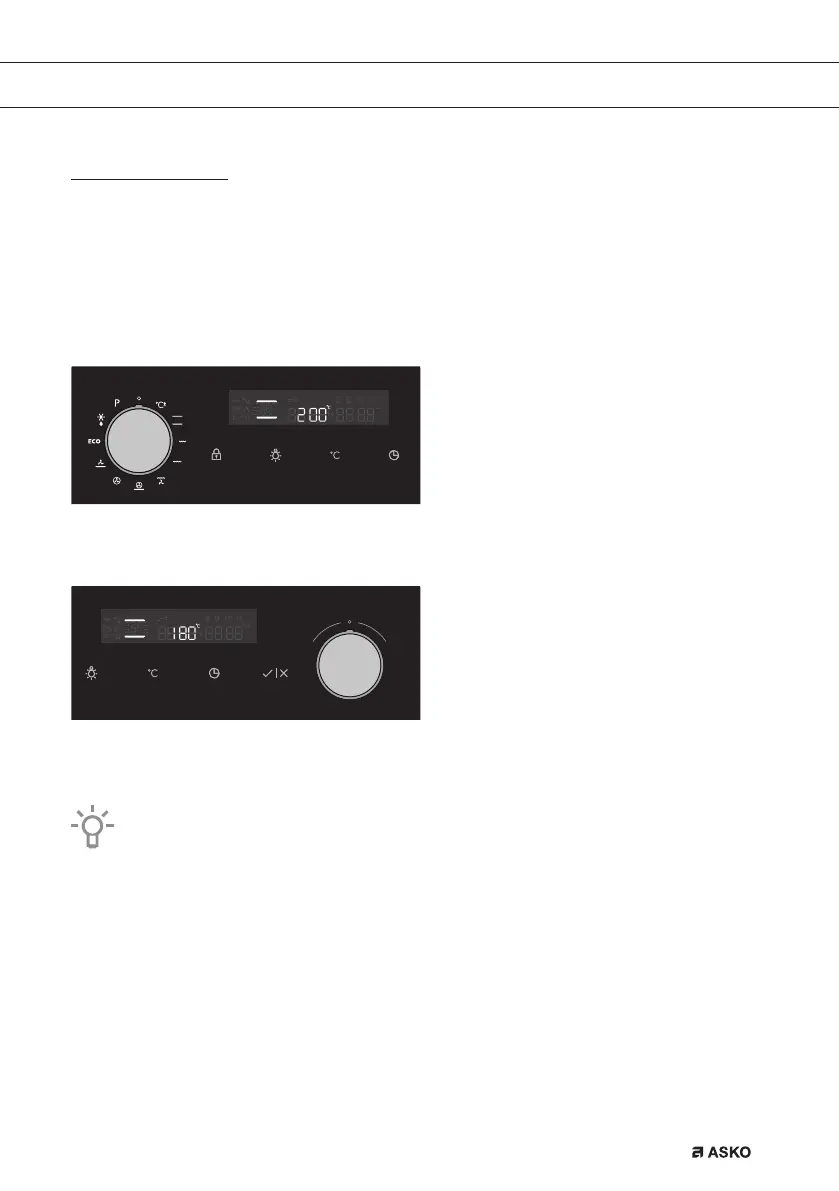
Select the COOKING SYSTEM. Selected icon will appear on the display and PRESET
TEMPERATURE will flash.
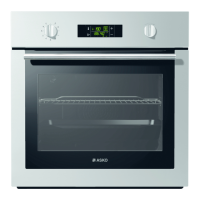
Touch the TEMPERATURE KEY. Rotate the SETTINGS KNOB (-/+) and choose the desired
temperature.
Maximum temperature is limited with some systems.
When the appliance is switched on with the START key, the symbol °C flashes on the display
until the desired value is reached.
USE
862798_en_naslovnica_drug_papir.indd EN17862798_en_naslovnica_drug_papir.indd EN17 29. 09. 2022 12:16:4029. 09. 2022 12:16:40



 To Next Page