27
Customer Care Center, 1-800-898-1879, www.askousa.com
Favourite programs
Cycle completed succsessfully fav
Add
new
Start
6
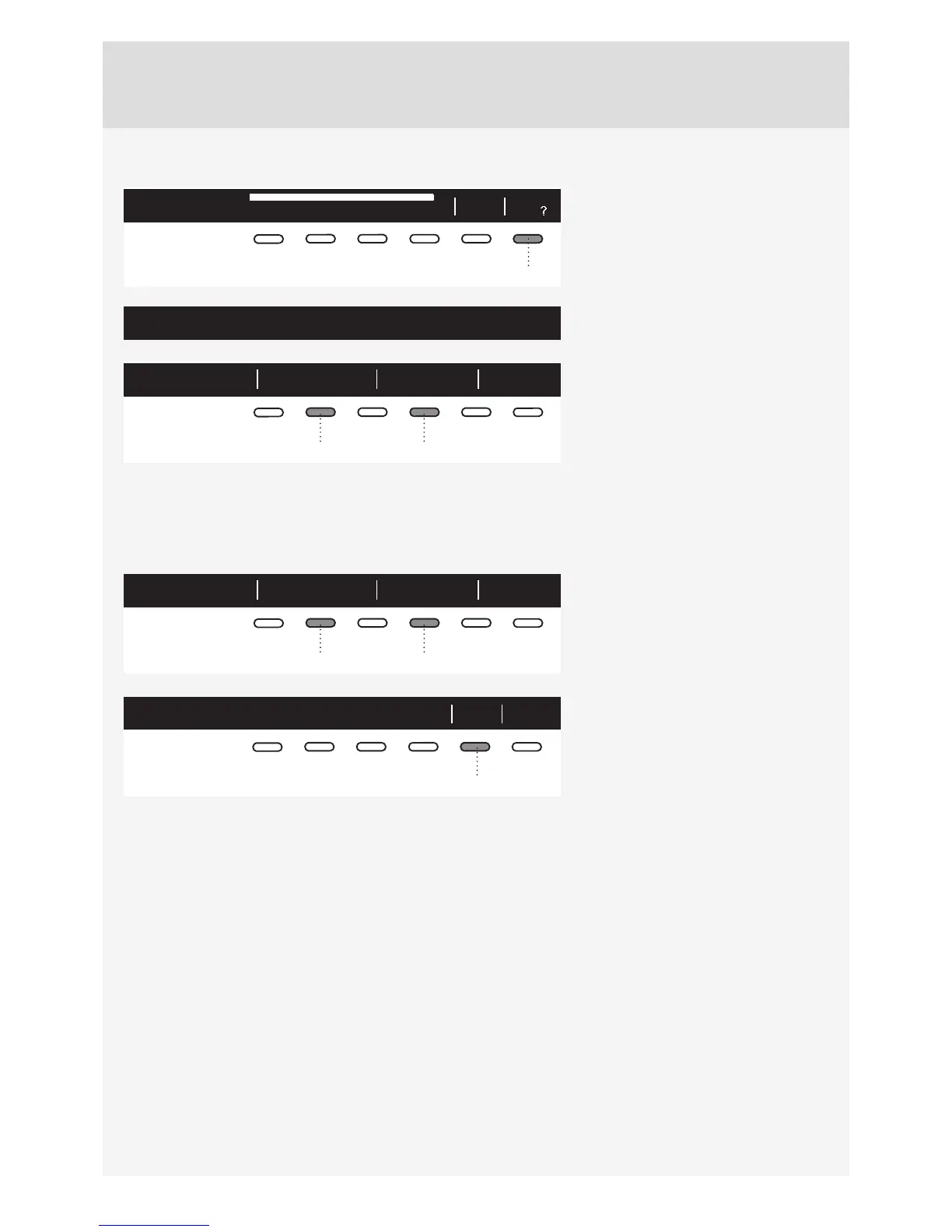
After the end of the drying program,
you can use the button 6 to store the
program, including all extra settings, as
your favourite program.
Make your list of four own favourite programs.
Up to 4 favourite programs can be
stored.
1. Favourite Confirm BackFav. list position:
24
Choose the favourite program position
(number) using the button 2; the most
recently used program, including all
settings, will be off ered. To store a
program, confi rm with the button 4.
Changing a favourite program
If you wish to store a program after the end of the drying cycle, but there is no more room for another favourite
program (only 4 favourite program slots are available), then one of the existing stored favourite programs can
be substituted with a new one.
1. Favourite Confirm BackFav. list position:
24
Use the button 2 to scroll through the
list of Favourite programs.
Press the button 4 to confi rm the
program to be replaced.
1. Fav Bedding will be replaced
Yes No
5
Confi rm the replacement by pressing
the button 5.
If you do not take any action for 5 minutes, the display will switch to standby mode.
To activate the display, press the ON/OFF button or open the dryer door.


 To Next Page