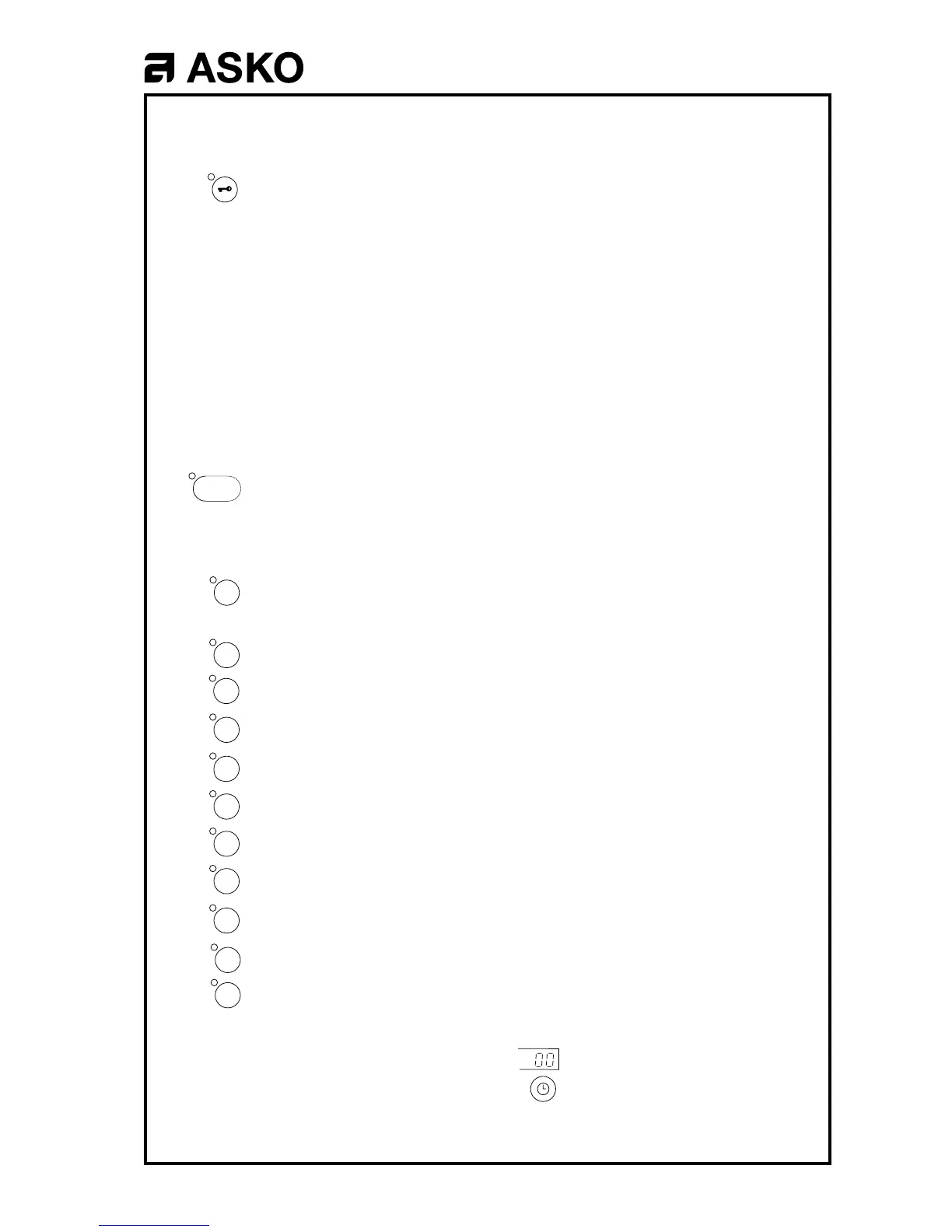
WM 200
Door opening and pumping out
To open the door while the machine is running, press this button for 3
seconds. This interrupts the current to the motor, valves etc. but not to
the controller.
If the button is pressed during the prewash or main wash periods of the
program, the machine will pump out sufficient water to allow the door to
be opened without water spilling out (level P1). If the button is pressed
later in the program, or after the end of the program, and if the water
level is normal (P2) or higher, the machine will pump out for 1,5 minutes.
The door can be opened as soon as the water level has dropped to P1.
If the button is pressed while the machine is spinning, there will be a
delay of about one minute before the door opens.
When the door is reclosed, the program continues from where it left off.
Program start and stop
Start the program by pushing the button once, and stop it by pushing the
button and holding it in for 3 seconds.
Fault tracing program
Access the self-diagnostic fault-tracing program by pressing this button
five times. The indicating lamps respond by flashing. Press the program
buttons as shown below to test the following functions:
2 Inlet valve 1 (prewash and rinse)
3 Inlet valve 2 (main wash)
4 Inlet valve 3 (only on machines connected to hot water supplies)
5 Inlet valve 4 (fabric conditioner water inlet)
6 Door solenoid
7 Heater contactor
8 Outlet pump
9 Wash motor, normal action
10 Wash motor, gentle action
11 Spinning. Indicates out-of-balance. The higher the number, the
greater the out-of-balance.
Start
Stop
1
2
3
4
5
6
7
8
9
10
11



 To Next Page