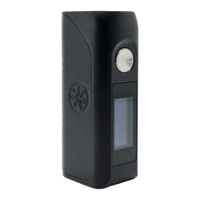
1. Turn on
Place batteries in the device, and quickly press the
"
FIRE
"
button 5 times to turn on the device.The screen will
display
"
ASMODUS
"
, and enter into working mode.
2.Mode selection
In the unlocking state, sliding left and right mode display position or gesture swipe left and right to cycle select
the operating mode (POWER, TEMP, CURVE, TCR, TFR).
3.Working parameter setting
POWER mode:
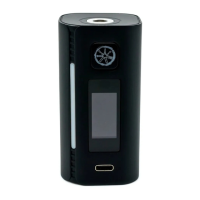
Power settings: In the screen unlocking state, in the power setting interface, press the "^"
and "v" icon to set the power value, press the "Fire" key to confirm and exit.
Taste setting: In the screen unlocking state, sliding up and down the touch screen or gesture
to swipe up and down to select the taste (soft (S), standard (N), violent (H)).
POWER mode dial display type: In the screen unlocking state, click the dial position to
switch the number of seconds and the power.
TEMP mode:
Coil material selection: In the screen unlocking state, long press the "TEMP" mode to enter the coil material selection interface press
"^" and "v" to select the coil material and press "Fire" to confirm and exit.
Temperature control power, temperature display switch: Click the power display position, can switch to the temperature display,
click the temperature display position, can switch to the power display.
Temperature control power setting: In the screen unlocking state, long press power display position to enter the setting interface,
press the "^" and "v" icons to set the power value directly in the power setting interface, press the "Fire" key to confirm and exit.
Temperature setting: In the screen unlocking state, long press the temperature display position, enter the temperature setting
interface, in the temperature setting interface directly press "^", "v" icon set temperature value, press "Fire" key to confirm and exit.
TEMP mode dial display type: In the screen unlocking state, click the dial position to switch the temperature and power.
CURVE mode:
View power points: In the screen unlocking state, sliding up and down screen or gesture up and down sliding cycle can be seen
P1 ~ P5 power value or time value.
Power value, time display switching: Click the power display position to switch to the time display, click the time display position,
can switch to the power display.
Power value setting: In the screen unlocking state, long press the power/time display position to enter the parameter settings
interface, in the parameter settings interface directly click on the left to modify the parameters, Press "^","v" icon to set the power
value, press the "Fire" Key to confirm and exit.
Using Your Device:
02


 To Next Page
 Loading...